eTechShout
  • TECH
  • HOW TO
    • ANDROID
    • iOS
    • WINDOWS
  • TOP LIST
  • ALTERNATIVES
  • REVIEWS
  • COMPARISON
No Result
View All Result
  • TECH
  • HOW TO
    • ANDROID
    • iOS
    • WINDOWS
  • TOP LIST
  • ALTERNATIVES
  • REVIEWS
  • COMPARISON
No Result
View All Result
eTechShout
Home ANDROID

How to Solve Math Problems Using Phone’s Camera

by eTechShout Editor
January 8, 2021

If you’re weak in Maths or if you hate Maths because you are not interested in it then Obviously, you are not the only one! There are many students struggles to solve even simple program including me 😛

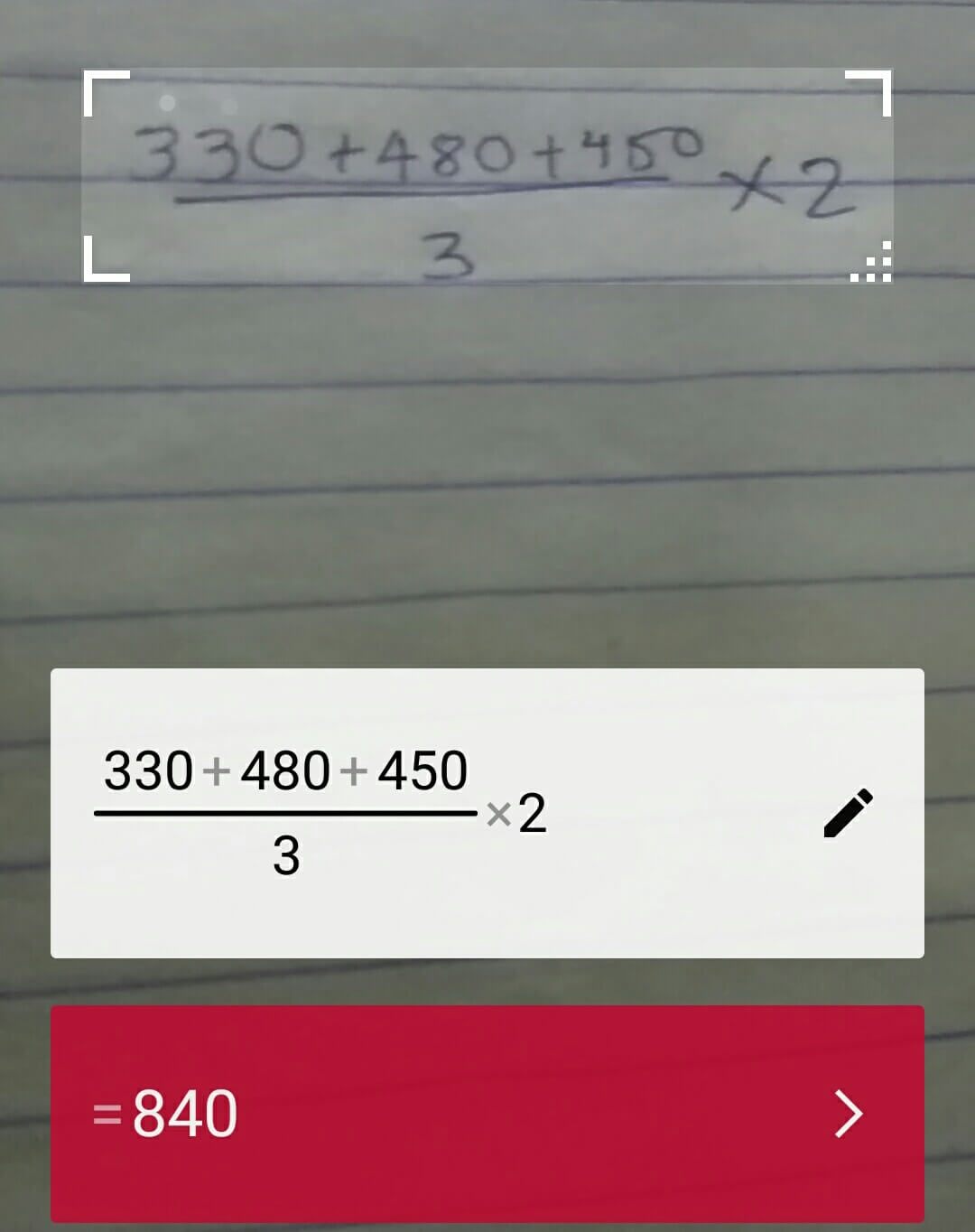
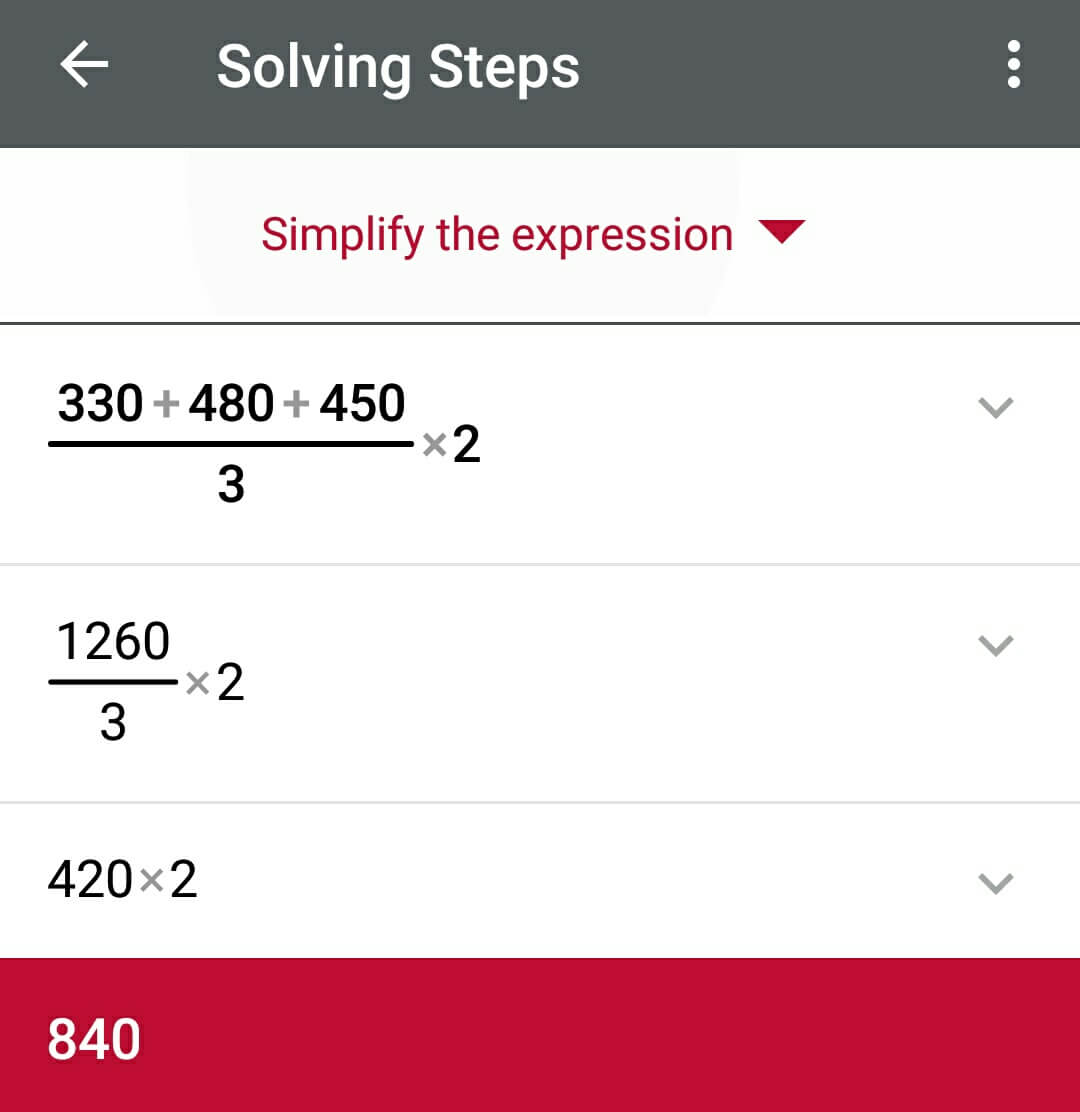
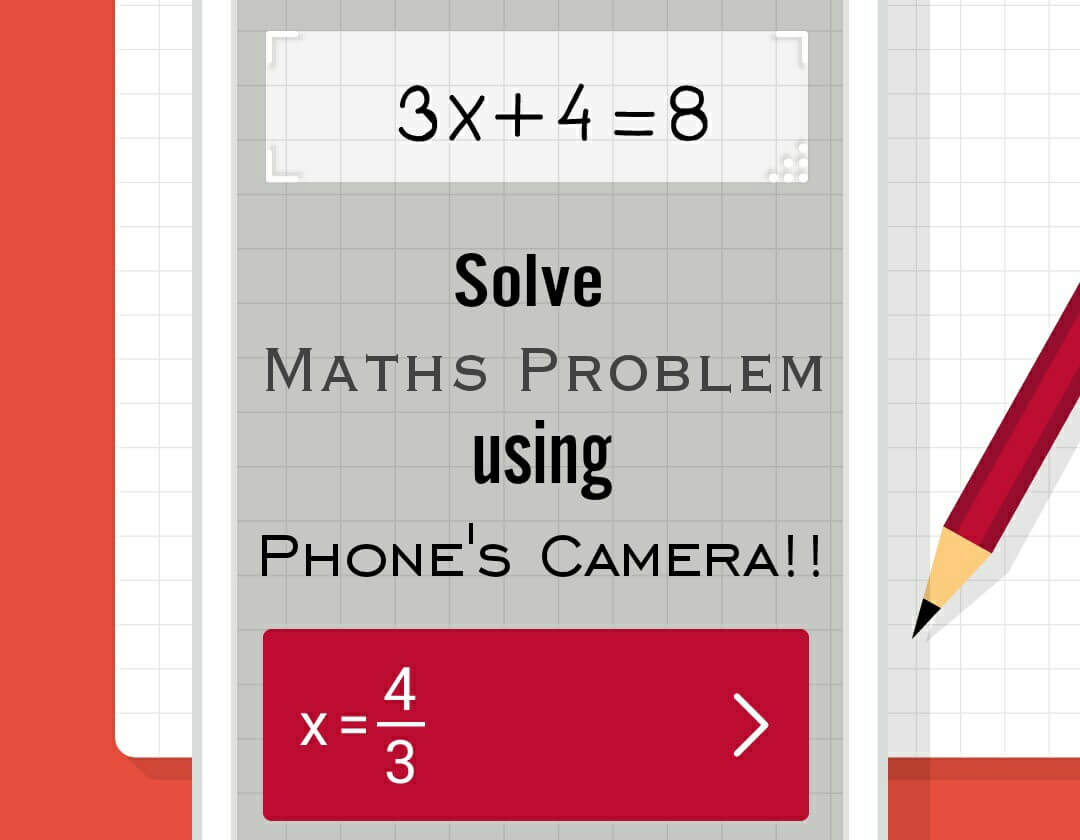
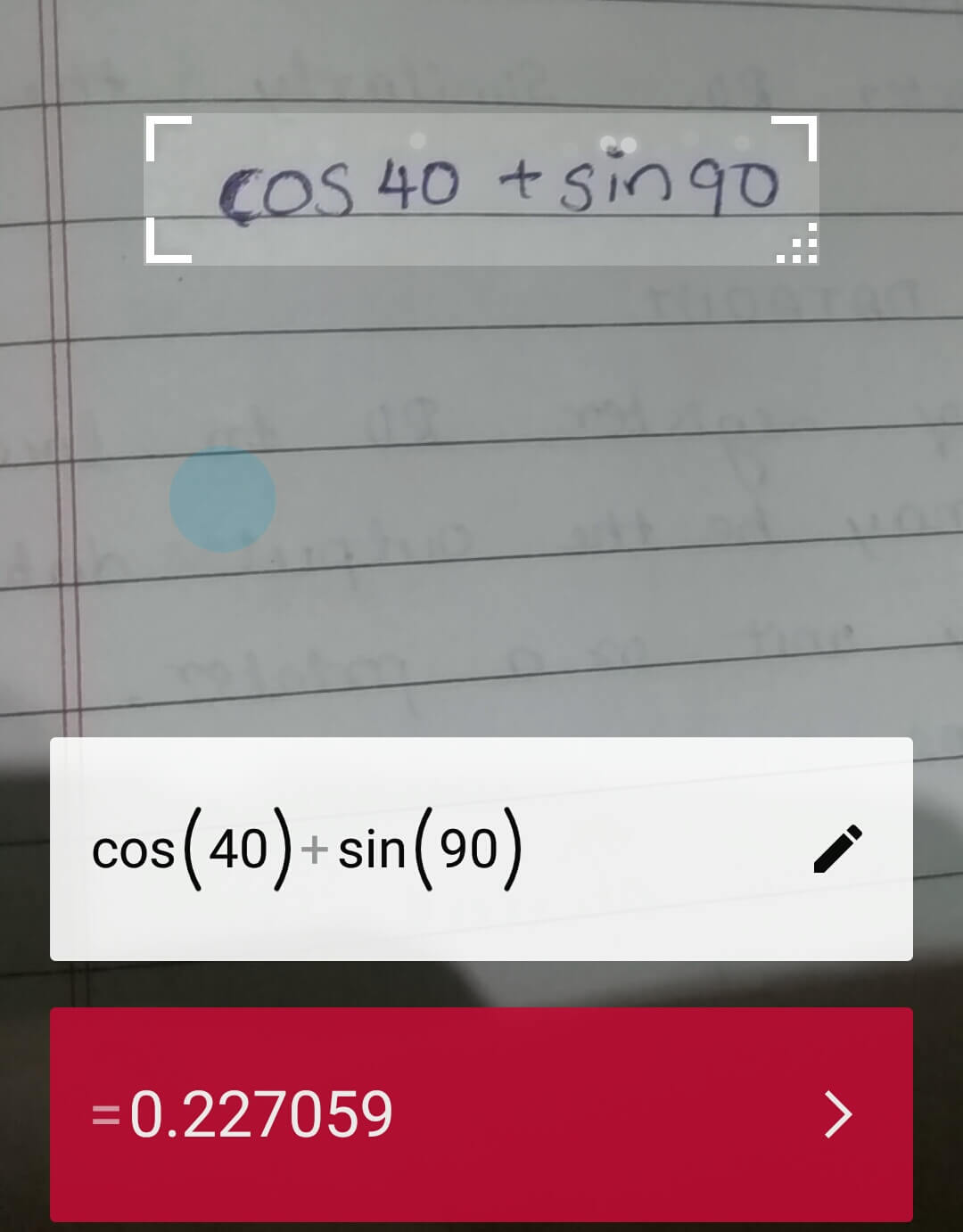
Ever think that you can solve your Maths problem just by pointing smartphone’s camera towards a mathematical expression! Yes. You heard it right. Today we are going to introduce an app called PhotoMath which helps you to solve Simple Maths problem by pointing the camera to the expression. This app displays a correct result, also shows the step by step process it used to arrive at the answer. This app even recognizes Hand-Written Expressions!

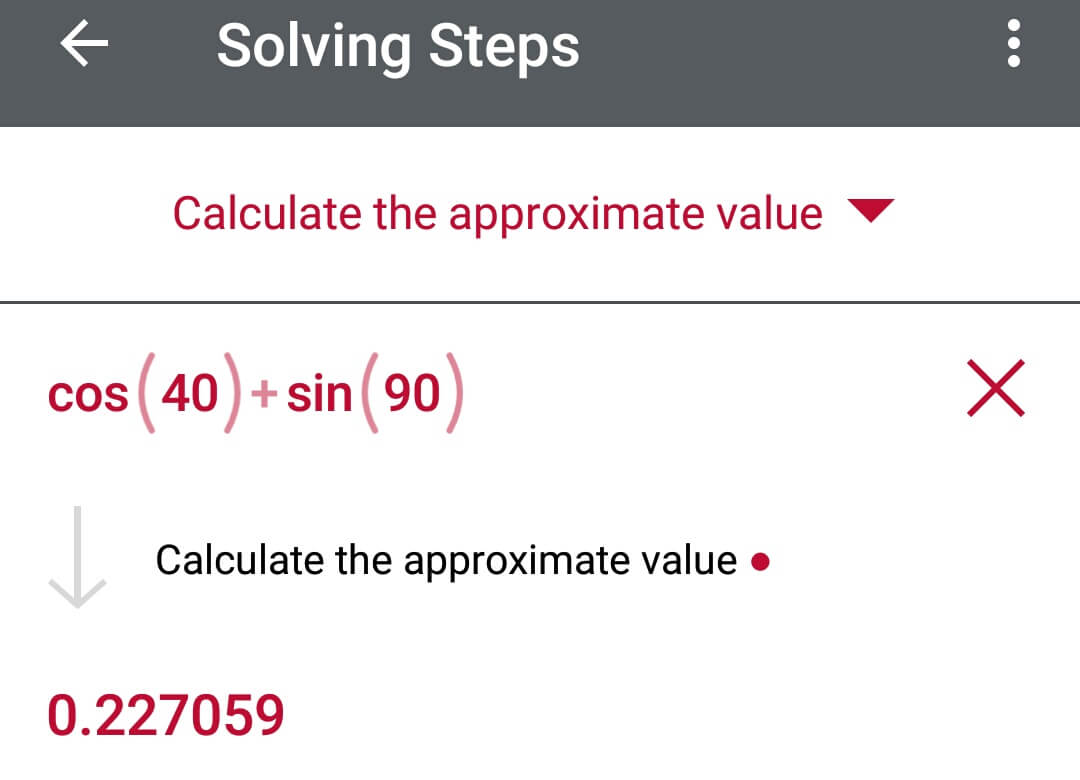
The free app currently supports arithmetic expressions, fractions and decimals, powers and roots; and simple linear equations, quadratic equations/inequations, absolute equations/inequations, systems of equations, logarithms, trigonometry, exponential and logarithmic functions, derivatives and integrals. with more features being constantly added.
So, Just Point your camera towards the Maths problem that irritates you and get the result in second!

  • How to Solve Maths Problem Using Camera?
    • Cons of this App: –

How to Solve Maths Problem Using Camera?

  1.  Just Download the App called PhotoMath From Here: PhotoMath For Android | For iOS
  2.  After installing the app, Open it
  3.  Now point the PhotoMath Camera to your Maths Problem Expression
  4.  Within few seconds it will display correct results. Tap on the Arrow symbol to get steps for solving that probem
  5.  It also allows the user to edit the scanned expression by typing.
  6.  You can also get the result using an inbuilt calculator.
Cons of this App: –

  • It doesn’t work on some advanced stuff like geometry graphs and with shapes.
  • It doesn’t support Problems with paragraphs which including words.
  • Does not work on logarithm problems.
  • Sometimes gives more results that too not understandable.

But this is the amazing app to solve the simple Maths problems. Hope above cons will solve and it will be able to do so in a next update.

Speak Your Mind In The Comments. I Would Like To Hear What You Think 🙂

Tags: AndroidMaths
ShareTweetSendPinPinShareShareSend
eTechShout Editor

eTechShout Editor

Freelancer and writer who keeps a close eye on new technologies. He writes about the best apps/games, how-to tips, tutorials especially on Android, iPhone, computers, Windows, Linux, and Mac.

Related Posts

Follow these steps to turn off Developer options and fix the debug mode error in Poshan Tracker app

How to Fix “This application is not supported on debug mode” Poshan Tracker

March 26, 2026
Best Apps Like SoLo Funds

12 Apps Like SoLo Funds to Lend & Borrow Money (2026)

January 3, 2026
Best Watermark Remover Apps for Android iOS

11 Best Watermark Remover Apps for Android and iOS

January 3, 2026
Simple troubleshooting guide to fix Package Installer Keeps Stopping error on Android

Package Installer Keeps Stopping? Here’s the Easiest Way to Fix It!

October 30, 2025

Comments 1

  1. php business directory says:
    8 years ago

    What your stating is completely authentic. I know that everyone ought to say the identical issue, but I just feel that you area it in a way that each and every man or woman can recognize. I also adore the photographs you set in right here. They suit so properly with what youre producing an try to say. Im assured youll achieve so several individuals with what youve acquired to say.

Recent Posts

Quick guide on fixing Instagram something went wrong with your upload error on Android and iPhone devices

How to Fix Instagram “Something went wrong with your upload” Error

April 18, 2026
Guide on fixing Messenger not optimized for Android error

How to Fix “Messenger isn’t optimized for the latest version of Android” Error

April 16, 2026
Guide on changing among us name

How to Change Name in Among Us [QUICK & EASY]

April 15, 2026
Quick guide on changing TikTok date of birth

How to Change Date of Birth on TikTok [100% WORKS]

April 8, 2026
Guide on fixing Messenger couldn’t complete call error on Android and iOS devices

How to Fix Messenger “Couldn’t complete call” Error

April 6, 2026
  • Disclaimer
  • Privacy
  • Contact Us
  • About Us
  • eTechShout Team

Copyright © 2026 All Rights Reserved.

No Result
View All Result
  • TECH
  • HOW TO
    • ANDROID
    • iOS
    • WINDOWS
  • TOP LIST
  • ALTERNATIVES
  • REVIEWS
  • COMPARISON

Copyright © 2026 All Rights Reserved.