Instagram these days is a big part of daily life. Youths scroll for hours, brands promote their products, and creators share their work to reach more people. It has become a place where trends start, businesses grow, and people connect through photos and videos.
When hashtags were introduced, they quickly became one of the most used features on Instagram. They helped posts reach people who were searching for similar topics. Earlier, there was no strict limit that users worried about, and many added several hashtags to boost visibility. Over time, hashtags turned into a key tool for growth and discovery.
Now, some users are facing a new issue where Instagram shows the message “You can only add 3 hashtags” in the caption. This change is not showing for everyone, and it looks like Instagram may be testing it with selected accounts. If you are seeing this message, check below for a few simple tricks that work. 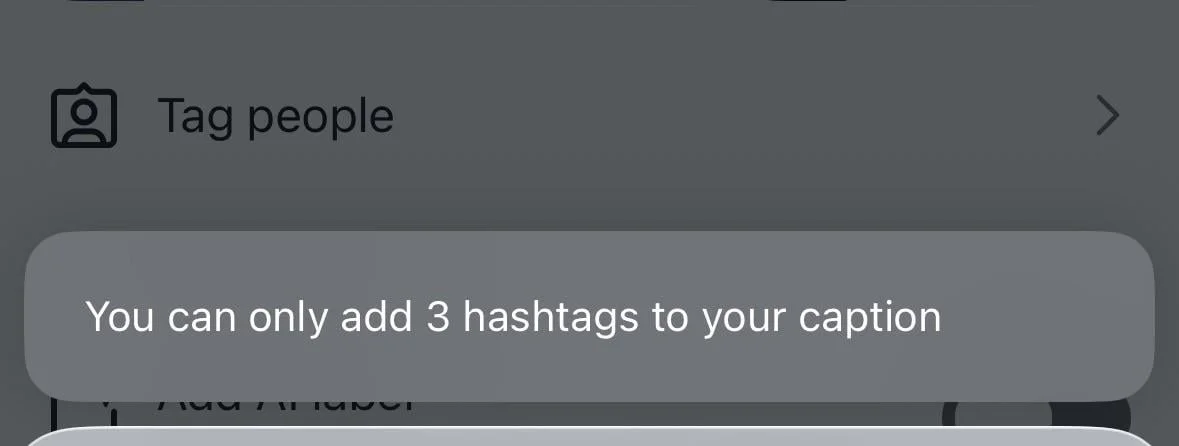
What Does “You Can Only Add 3 Hashtags” Mean on Instagram?
As we said earlier, this issue started recently, and it is not showing up for everyone. Some users see a limit of three hashtags, while others notice five. There is no clear explanation from Instagram yet. It could be linked to account activity or follower count, but that part is still unclear.
One reason you may be seeing the “You can only add 3 hashtags” message is that Instagram may be trying to reduce hashtag overuse and push users to add only tags that truly match the post. Many accounts add too many hashtags just to increase reach.
Another reason could be content discovery quality. Fewer hashtags can help Instagram show posts to people who actually care about that topic.
Instagram is also putting more focus on search through words in captions. Instead of relying heavily on hashtags, the platform seems to prefer clear and meaningful text. This explains why some users are now facing hashtag limits while keyword-based captions matter more than before.
For creators and brands, this change can affect visibility. With fewer hashtags, posts may show up in fewer feeds. At the same time, it signals a shift toward writing captions that explain the content clearly and include useful keywords.
3 Easy & Quick Ways to Fix Instagram “You Can Only Add 3 Hashtags” Error
Use Instagram on the Web
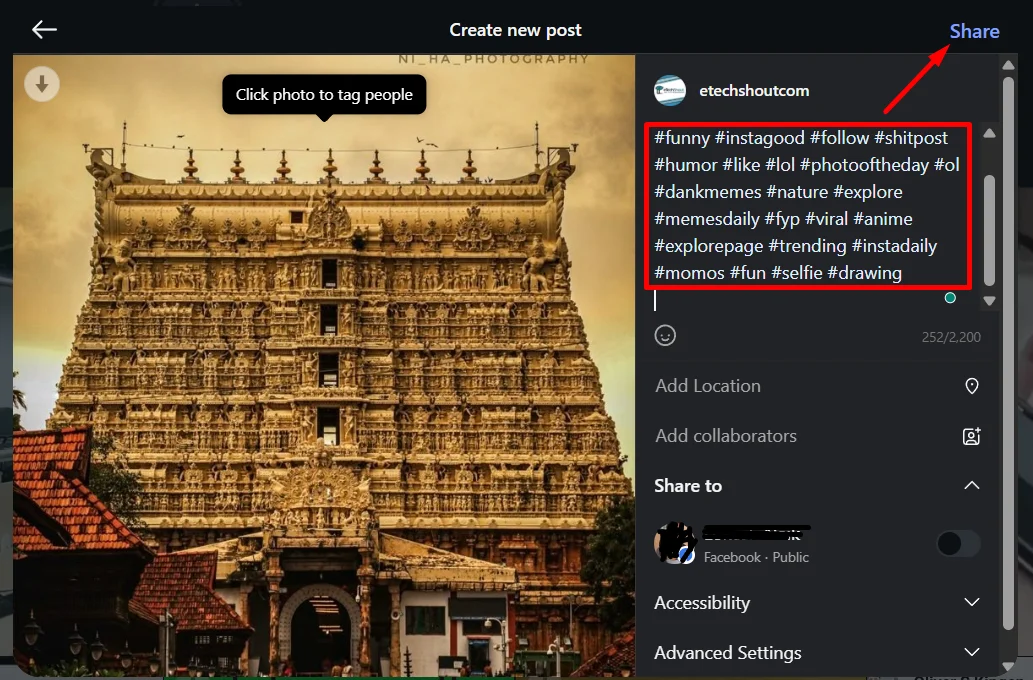
If the app keeps limiting hashtags, the web version can help. Currently, posting from the web version avoids this hashtag limit and lets users add up to 30 hashtags without any trouble.
- Open your browser and visit the Instagram official website.
- Sign in to your account like usual.
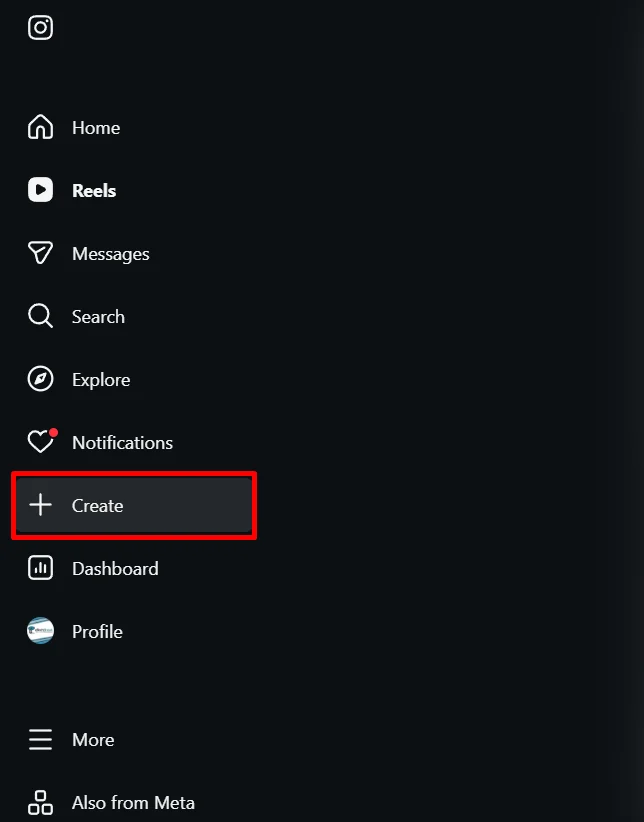
- On the left side, click on Create, then click Post

- Now, choose the photo or video you want to share.
- When the caption box opens, add all the hashtags you want without seeing the three hashtag limit.

- Once done, publish the post, and you are good to go.
Add Hashtags in the Comments Section
Another easy way around this limit is to place your hashtags in the comments instead of the caption. This method works well and keeps your caption clean, too.
- Open the Instagram app on your phone and log in
- Now, tap the plus icon at the top to create a post.

- Choose your photo or video and share it without adding any hashtags in the caption.
- Once the post is live, open that post
- Now, add a comment right away and type all the hashtags you want there.



Use an Older Version of Instagram
This limit does not show up on some older versions of the Instagram app. If you are on Android, you can install an earlier version from trusted third-party sites and continue posting without facing the hashtag restriction. Many users have shared that the limit does not appear there yet.
For iPhone users, the process is more advanced. You can use tools like AltStore or Sideloadly with an IPA file, or jailbreak tools such as AppStore++. If your current Instagram version does not show the hashtag limit, avoid app updates for now if hashtags are really important for you.
That is all about the three tricks you can use right now, and they are working fine. We do not know when Instagram may patch these methods, but until then, they should help you bypass the “You can only add 3 hashtags” in the caption error. If you know any other way that works, feel free to share it in the comments.