Have you ever wondered just how long you’ve been playing Clash of Clans? As one of the most popular mobile strategy games over the past decade, many players have years of history and precious memories tied to their villages. Luckily, there are a few simple ways to check the age of your Clash of Clans account using an online COC account age checker or by understanding Supercell’s account creation system.

In this article, we’ll walk through the options you have to discover just how old your Clash of Clans account is, whether you’re playing on iOS, Android, or multiple devices. And if you can’t quite recall when you first started raiding for loot or defending your village, the methods outlined in this article will help you see how old a Clash of Clans account is. This is also useful when browsing for a Clash account, as understanding the account’s age can help determine its value in a potential trade.
How to Check Clash Of Clans Account Age | COC Account Creation Date Finder
Check Emails
To find out when your Clash of Clans account was created, you can use your email address. Think about the time you signed up for the game and locate the earliest emails from Supercell or Clash of Clans in your email account.
Search for terms like “Clash of Clans” or “Supercell” in your emails. If you can’t find anything in your main inbox, check your spam or promotions folder, as emails might sometimes be redirected there. The information in the first email you received from Clash of Clans will likely reveal the date when you created your account.
Check your Google Play Games
You can check your Clash of Clans account creation date through Google Play Games if it’s set up on your device. While this method may not always provide the exact creation date, it can give you useful information.
Ensure you’re logged in with your Google Play account and look for achievements that might indicate the day you joined Google Play Games, which could be close to your Clash of Clans account creation date.
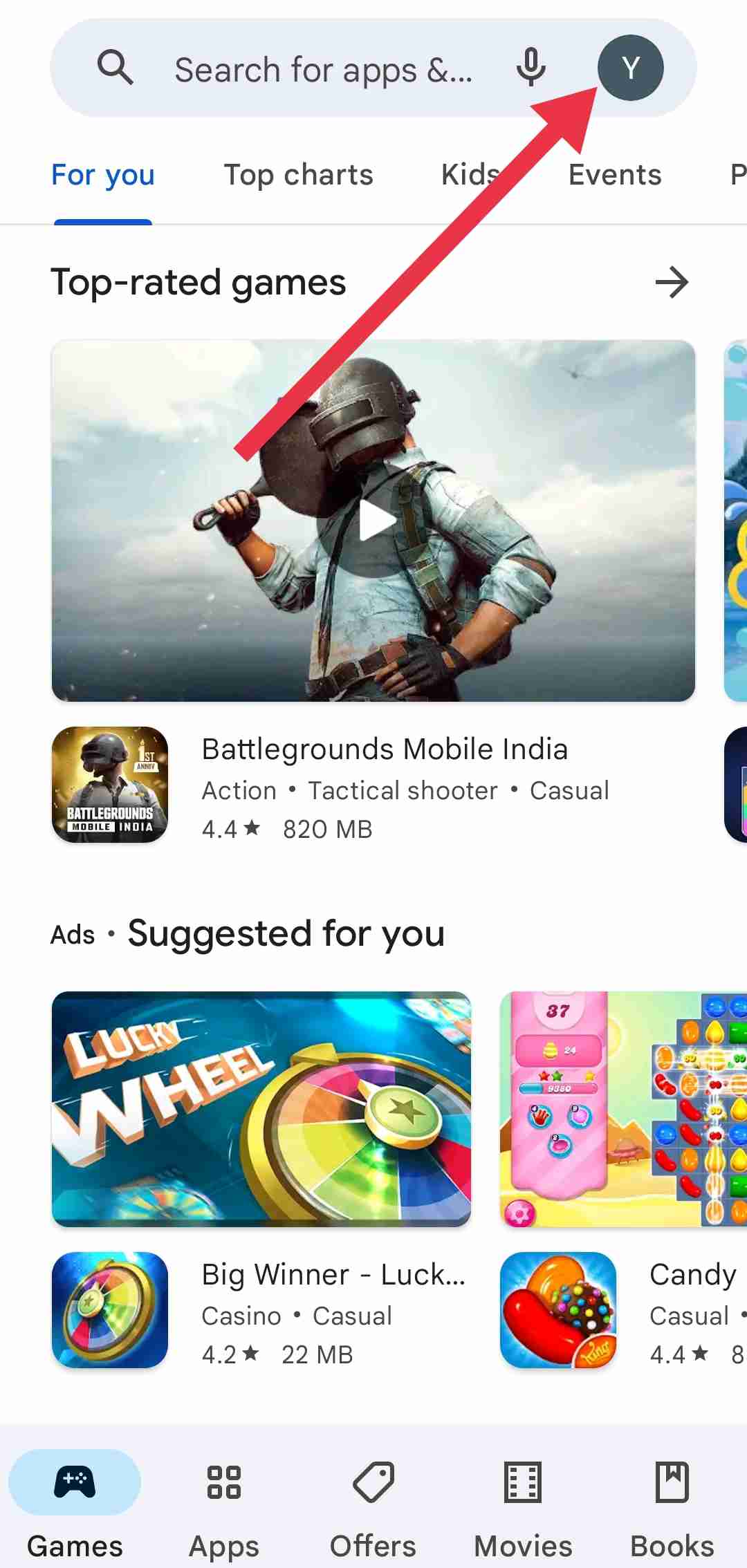
- Open Google Play Games on your device.
- Click on “Profile” in the bottom right corner, ensuring you’re using the same ID as your Clash of Clans account.

- Navigate to the “Library”

- Now, select “Clash of Clans“.
- Choose “Achievements” and scroll down to the oldest achievement.
- Click on it to find the date when you earned your first bigger coffers.
- This can be used to determine roughly when you first started playing Clash of Clans.

Check Game Center
If you are an iOS user and have linked your Clash of Clans account to Game Center, there’s an additional method to check the Clash of Clans account age. Game Center often keeps records of specific in-game achievements, such as when you upgraded certain structures.
One notable instance is the upgrade of your gold storage from level 1 to level 2, which is typically one of the initial tasks players undertake in the game. To access this information, you can check the achievements or progress history within the Game Center. Look for the date associated with the upgrade of your gold storage, and this should provide you with an approximate COC account creation date.
Go to the App Store > Profile > Game Center > Achievements > Clash Of Clans and from there scroll to find your first achievement.
Check the First Downloaded Date on iOS
If you are using an iOS device, your Apple ID provides a quick way to find the date when you first downloaded Clash of Clans. The Apple ID keeps a record of the apps you’ve downloaded, and this information can be accessed through the App Store.
To find the date you first downloaded Clash of Clans, follow these simple steps on your iOS device.
- Open the Settings on your iOS device.
- Tap on your username at the top of the screen.
- Click on “Media and Purchases”

- Select “View Account” from the pop-up menu.

- Navigate to “Purchase History” at the bottom of the page.

- Tap on Last 90 Days to expand the view and include previous years.
- Look for Clash of Clans in the list to find the specific date when you first downloaded the game.


Check the First Installed Date on the Android
Unfortunately, Android doesn’t provide a built-in feature to view the installation date of an app. However, you can use an app called “My Apps – Apps List” to obtain this information. If you’ve been playing Clash of Clans on the same device from the beginning, this app can reveal the first installation date. 
Simply install and launch the app on your smartphone, and upon opening it, you’ll find a list of all currently installed apps. Choose Clash of Clans from the list, and you’ll see detailed information, including the app’s first installation date. This should help you determine when you initially installed Clash of Clans on your Android device. 
Sadly, the mentioned app, “My Apps – Apps List,” is not available for the latest Android version as it was designed for an older Android version. However, you can still download and install the app on third-party sites.
Contact Clash of Clans Support
If you’re unable to find your Clash of Clans account creation date using the previous methods, you can contact the Clash of Clans support team for assistance. Follow these simplified steps:
- Open Clash of Clans on your device.
- Tap the “Settings“ icon (cog-wheel) at the lower right corner.
- Look for the “Help and Support” button and click on it.
- Scroll down to find the “Contact Us” button.
- Click “Contact Us” and then select “Message Us.”
- You’ll be directed to Clash of Clans support.
- Type “talk to a support staff” and respond with “access my data.”
If there are no security issues, your request will be scheduled, and they will provide the information to your registered email address. Ensure your email is active to receive the data like COC account age.
Knowing the age of your Clash account can be a source of nostalgia and pride as you reflect on years of gameplay. And if you can’t quite recall when you first started raiding for loot or defending your village, the methods outlined in this article will help you see how old a Clash of Clans account is.
ALSO READ: –
- Discord Account Age Checker: Check Age of Someone’s Discord Account
- Instagram Age Checker: How to Check How Old An Instagram Account Is