RedNote has been making a lot of noise lately. What started as Xiaohongshu in China has now grown into a worldwide app where people share ideas, lifestyle tips, and creative posts. After changes in TikTok, many creators and users began exploring new spaces, and RedNote quickly became a strong choice in that crowd. Its mix of social connection and creativity is pulling in more people every day.
At the same time, the fast growth also means more people are talking about the problems they face while using it. One of the common issues is the RedNote function upgrade not open problem that shows up for Android users. It usually pops up when you try to check out the new features, and instead of moving forward, the app holds you back.
What Does Function Upgrade Not Open Mean on RedNote and Why Does It Appear?
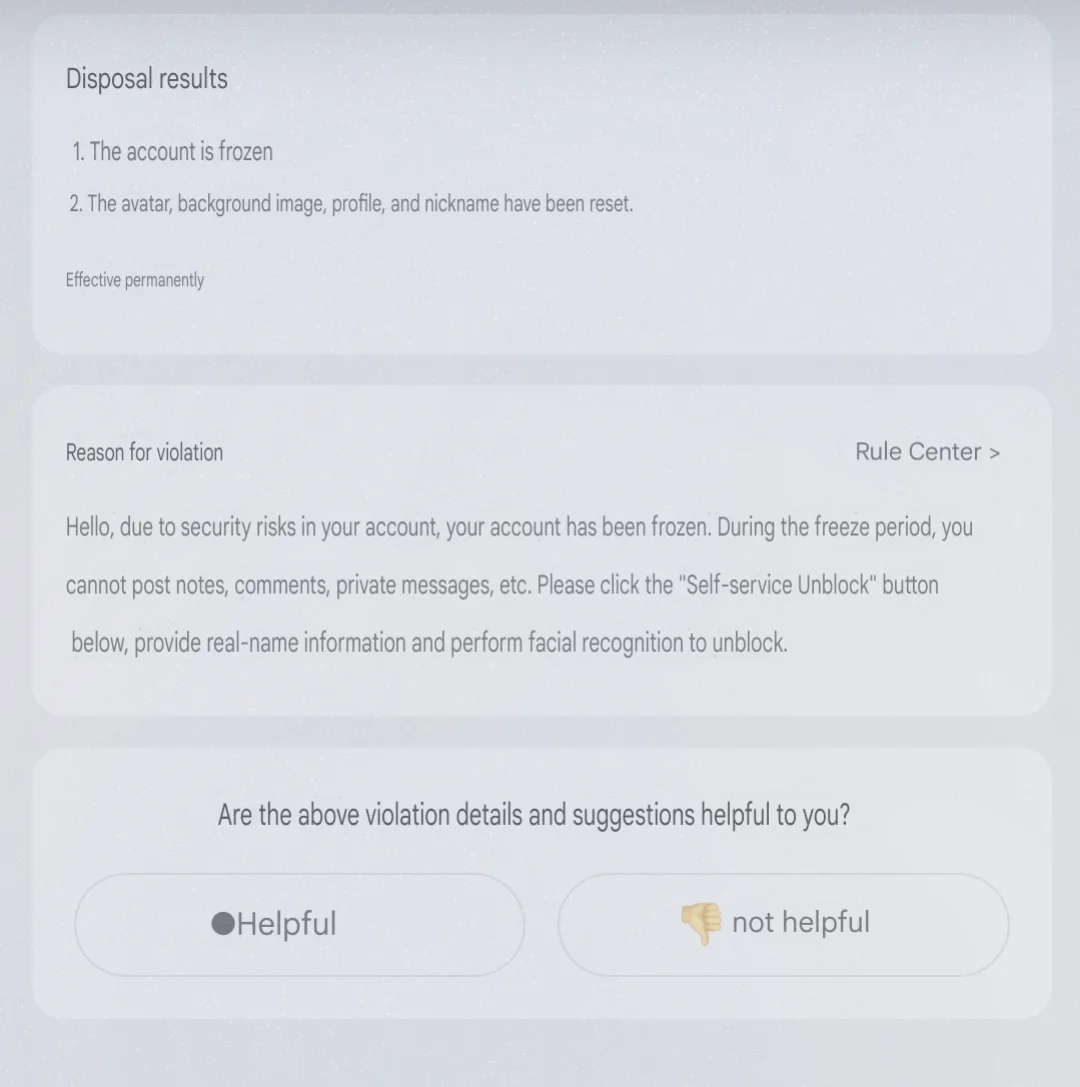
When RedNote shows the message function upgrade not open, it usually means the app is having trouble opening or finishing its new updates. Many people notice this right after installing the app on an Android phone. Because of this, the new tools you are waiting to try, like meme makers or editing features, may not work at all. The same thing can also happen on Xiaohongshu since both apps are connected to the same platform.
There are a few reasons why this error shows up. Sometimes the feature you are trying to use is still being rolled out and has not been made available to everyone yet. In some cases, it is limited to certain regions. It can also happen when your internet is slow, the app version is old, or your phone has not been given the right permissions for the app. For some people, the issue shows up if their account does not support advanced features.
5 Easy Fixes for RedNote Function Upgrade Not Open Issue
Try Installing RedNote from the Official Site
If you see the function upgrade not open error, one thing you can try is installing straight from its official page instead of using the Play Store. Visit the Tenor App Store or the official website of RedNote on your phone. Download the app, and then install it.
If the download does not start, switch your browser to Desktop mode and try again. That way, you can get the APK file and install it by hand. Many users, including our own team, noticed that the problem mostly comes from the Play Store version. After installing it from the official site, the error stopped showing up for a lot of people.
Update RedNote to the Latest Version
If installing from the official link did not work for you, the next thing worth trying is updating RedNote. Many small bugs and errors are fixed in the new updates, so this might clear the problem.
Go to the Play Store or any default app store on your phone and search for RedNote for updates (you can also check the updates section in the app store). If you find one, tap “Update”, wait for it to finish, and then open the app. Many users have seen the error disappear after updating to the newest version.
Finish Your Account Verification
In some cases, RedNote shows the function upgrade not open error because your account has not been fully verified. The app needs this step before unlocking certain features. To complete the account verification:
- Open the RedNote app on your phone and sign in with your account.
- Tap on your Profile icon at the bottom of the screen.
- From there, go to the “Settings” menu.
- Inside Settings, tap on “Account Center”
- Click on the option like “Complete Verification” or “Verify Now”
- Verify the instructions on your screen. This can include confirming your phone number, adding your email, or, in some regions, uploading an ID.
After this, close the app and open the app again, then try using the feature that was showing the error to see if it now works.
Clear RedNote App Cache
If the app is holding too much old data in its cache, it could be the reason why you are seeing this error more often. Clearing the cache might help fix it. This will not delete your account or posts; it only removes temporary files that the app saves in the background.
For this, go to your device Settings > Apps > RedNote > Storage > Clear Cache. 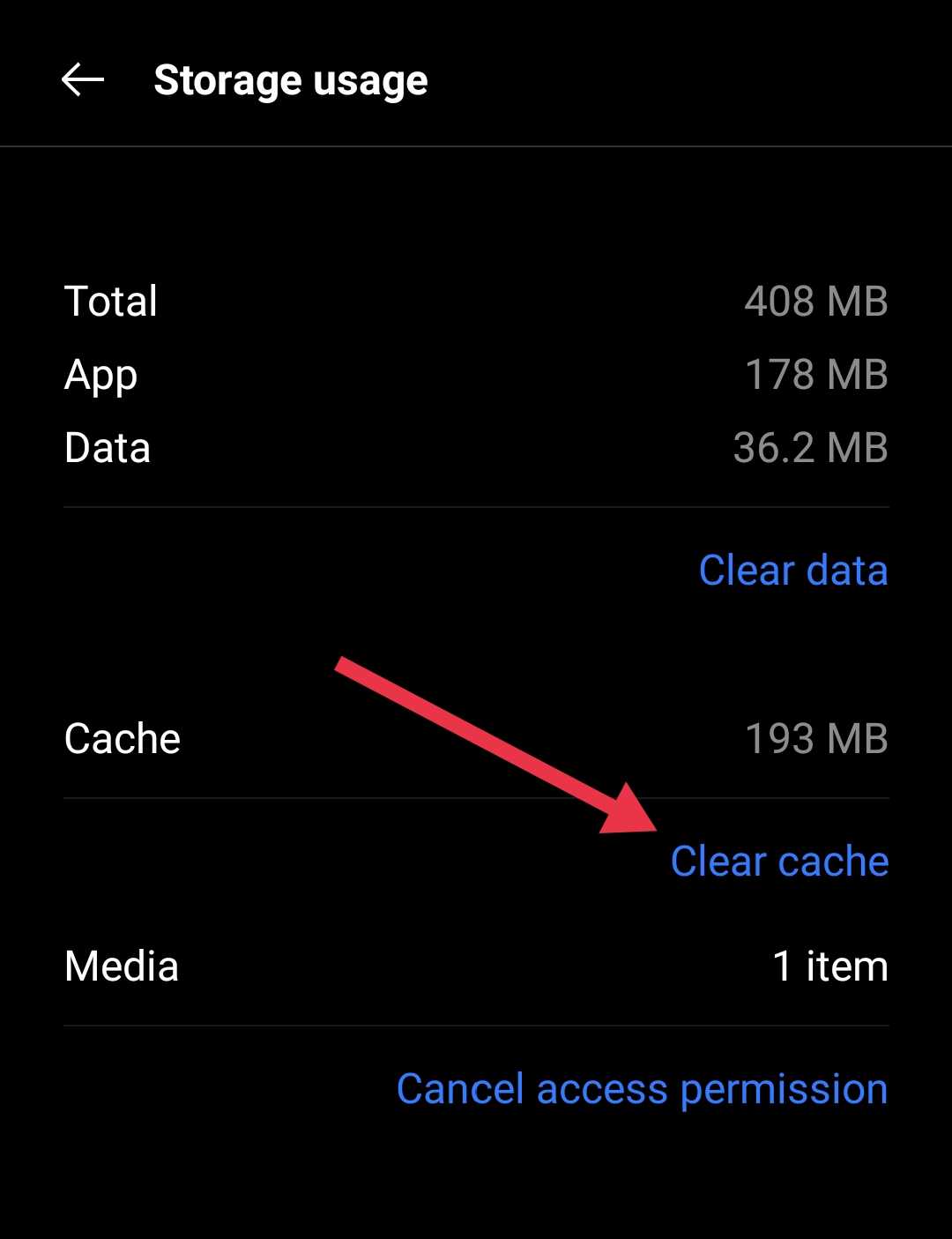
Reinstall RedNote App
Most of the time, this error is seen on Android, but some iPhone users have run into it as well. In this case, one simple fix you can try is reinstalling the app. You can completely uninstall RedNote from your phone, then download it again from the app store or the official site. After the completion of download/installation and signing back into your account, open the feature again to test the previous error.