Is your Febreze Plug In flashing a blue light? You don’t have to worry – there’s an easy fix! I’ll show you a quick way to stop blue light flashing on Febreze plug in within a few minutes.
Febreze Plug In is nice a gadget for homes that banishes bad smells, replacing them with pleasant scents that can last many days. With a simple plug-in, it leaves the room fresh, comfortable, and smelling great.
It is a smart air freshener that uses scented oils to fight bad smells. Febreze Plug In consists of two parts: a glass vial holding two different scents and the plug-in unit. The vial is inserted into the unit and plugged in. The plug warms things up, making the scents smell great. Using the warmer, you can adjust the fragrance intensity to your taste.
But, If you are experiencing a blinking blue light on your Febreze Plug In, our guide offers a 100% easy fix to solve the problem and restore your air freshener’s functionality.
Why is My Febreze Plug In Flashing Blue After Refill?
The Febreze plug has different ways its blue light blinks, and I can help you understand them. When you first set up the plug, the blue light blinks two times to show that it’s getting power properly.
But if the blue light keeps blinking without stopping, it indicates that there is a problem.
When the blue light on your Febreze plug blinks, it’s a signal that it needs a refill. If the blue light keeps blinking, it’s telling you that your Febreze air freshener is low on battery power.
Now, let’s find out the top ways to fix the blinking blue light issue on your Febreze Plug In!
How to Fix Febreze Plug In Flashing Blue Light
Refill the Air Freshener

The primary cause behind the blinking of the blue light on your plug is the depletion of air-freshening liquid.
The process of refilling your plug is quite simple. Prior to that, ensure you have a bottle of the required liquid for the plug!
- First of all, take off the plastic cap from the device.
- Place a small funnel (with a diameter of less than ½) into the Refill Canister.
- Pour the liquid fragrance into the funnel.
- Keep 1-2 centimeters of space in the wick.
- Then, put the plastic cap back on.
- Plug it in and test it.
Note:
- While using a funnel is a choice, you can also pour the fragrance directly, but exercise caution.
- Take extra care to avoid overfilling the air freshener, as this might lead to malfunctions.
- It is also important to make sure there’s room left in the wick where you pour the fragrance. The device requires some space to properly spray the liquid.
Ensure that It is Not Clogged
It’s possible that the Febreze Plug In could be clogged. In such cases, try removing the refill and proceed to clean the holder. Check to see if the plug-in opening is clear of any blockages.
If this step doesn’t resolve the issue, there might be a problem with the holder itself, potentially indicating a defect.
Power Cycle
If your Febreze plug in flashing blue light after refill also then try performing a power cycle.
This process essentially discharges the electricity from your air freshener. This method is highly recommended for all electronic devices and might assist in resolving any issues with unknown issues.
Here is how you can do a power cycle:
- Remove the Air Freshener from the power outlet.
- Place the plug-in in an upright position.
- Allow 5 minutes to pass.
- Reconnect the Air Freshener to the power source.
- Wait for the blue light to blink twice.
Whenever you plug the air freshener into a new or existing electrical outlet, it will blink in blue light twice. This is a confirmation that the Febreze plug is properly receiving power from the connected source, indicating the plug is working properly.
Note: To allow the Febreze Plug to cool down, consider keeping it disconnected for an extended period.
Change the Outlet
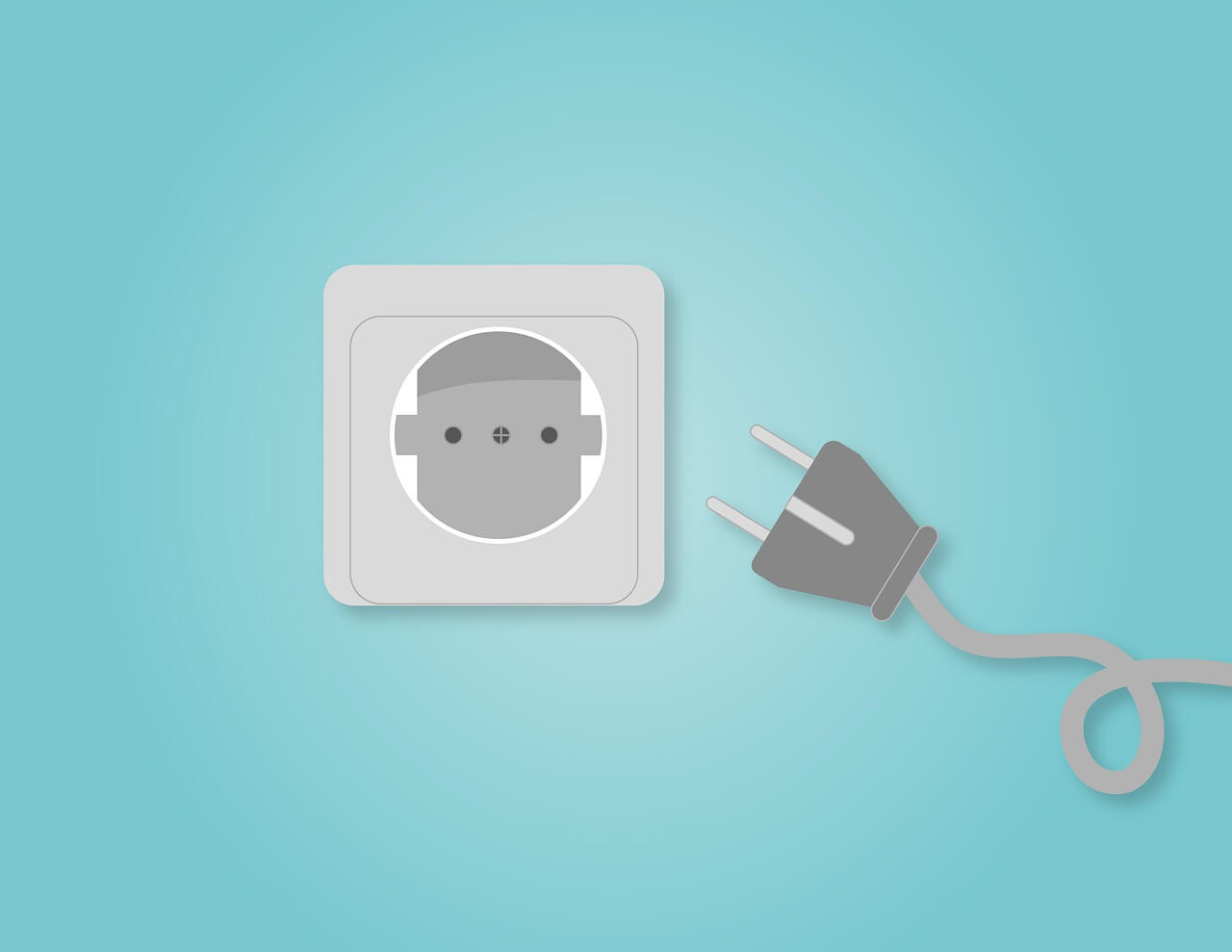 The issue might be with the Power Outlet, not the Febreze Plug itself. Normally, the Febreze Plug blinks blue twice only upon plugging in.
If the blue light continues to blink, it suggests an improper power connection. In many cases of such problems, the malfunction is due to the power outlet.
Plug your Febreze Plug into a different outlet. Using this method, you can check whether the air freshener works properly with the new outlet.
Clean Crevices
A common issue with air fresheners is the potential for fragrance leakage that could harm their crevices.
While this occurrence isn’t unusual, it’s essential to periodically focus on maintaining the hardware’s cleanliness and dryness.
By cleaning the crevices and ensuring no residue accumulates, you can prevent disruptions in the Febreze Plug In functionality. Regular maintenance will not only enhance the air freshener’s performance but also extend its lifespan.
Here are some tips for cleaning Febreze’s crevices:
- Remove the plastic cap from your Febreze plug.
- Empty out all of the fragrance.
- Unscrew the screws securing the bottom compartment.
- Take a soft dry cloth.
- Gently wipe and dry the interior of the air freshener.
- Use an air blow gun or air compressor.
- Clean the device inside and out by blowing away any dust or debris.
- Reassemble all the compartments.
- Refill with fresh fragrance.
- Test the device to ensure proper functionality.
Tip: A soft cloth or cotton swab can be useful for delicate cleaning within the device’s openings, ensuring a smooth operation.
Use Febreze Authentic Liquid Refill
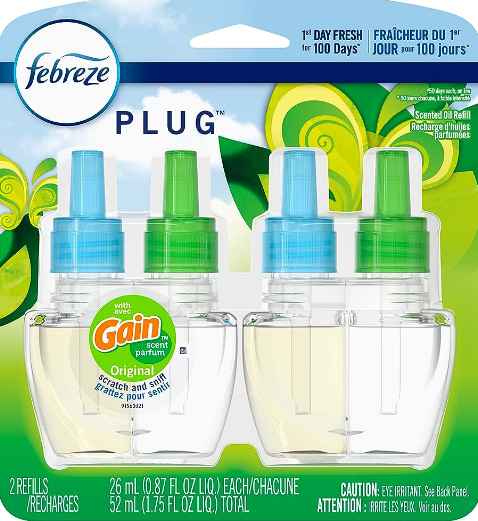 Many users have successfully resolved the Febreze plug in flashing blue light issue by buying the original liquid refill.
While it might seem unconventional, certain fragrances with higher concentrations can cause spray mechanisms to become clogged.
For best results, stick to fragrances that are specifically recommended for your particular Febreze model.
Here’s how you can refill your Febreze Plug with an original refill.
- Open the plastic cap of the air freshener.
- Empty out the old liquid.
- Pour in the new fragrance.
- Put the cap back on.
- Plug in your device
- Check now whether it works or not.
Reset the Febreze Plug
In the event that the blue light on your Febreze Plug keeps flashing, you should try resetting it. It can refresh the plug’s spray system, resulting in more effective spraying and fewer operational problems.
Perhaps a reset will lead to restoring the device’s proper function. Here’s how to reset your Febreze Plug In.
Keep in mind: The reset process typically takes between 30 and 60 seconds.
- Turn off and remove the Febreze Plug from the power source.
- Place it in an upright position.
- Wait for 60 seconds.
- Reconnect the Febreze Plug.
- Disconnect the Plug once again and wait for a minute
- Plug it back into the outlet.
- Now, check.
To initiate the reset sequence, unplug the air freshener while the blue light is blinking after being connected to the power source. It’s important to unplug it within this specific time frame for the reset to take effect.
So, you need to know that the first time you encounter the light on your Febreze Plug In is during the first time you connect it. It will blink blue light twice to confirm the device is operational. The light remains inactive until refill replacement is due. When the refill is nearly empty, the light will blink nonstop for a period of 7 days.
By reading this guide, I hope you’ve learned more about the flashing blue light on the Febreze plug and how to effectively address the issue.
If the Febreze Plug In continuous blue blinking light persists despite your efforts, it might be worth considering purchasing a new air freshener or reaching out to Febreze Support for a possible replacement.
Also, to ensure optimal functionality and avoid potential issues, it’s advisable to stick with original Febreze Plug-in refills rather than using third-party liquids.