Instagram recently introduced a new feature that lets users add a song to their profile. This music is displayed in the bio area of the profile, offering a fun way to share your favorite tunes. This feature is similar to MySpace’s profile music from the early 2000s. While this feature is exciting, some users are facing issues with the song not showing up properly.
If you’ve added a song to your profile but it doesn’t appear as expected, you’re not alone. Many users have reported problems where the song disappears or doesn’t save correctly. Sometimes, the selected song may even stay in the bio area but isn’t visible to others.
This issue can be frustrating, especially since Instagram has made it easy to choose and change the song whenever you like. However, the lack of a clear “save” button and other technical glitches may leave some users confused about how to make the song stick to their profile.
In this article, we’ll discuss some potential fixes to fix Instagram music on profile not showing or not appearing issue.
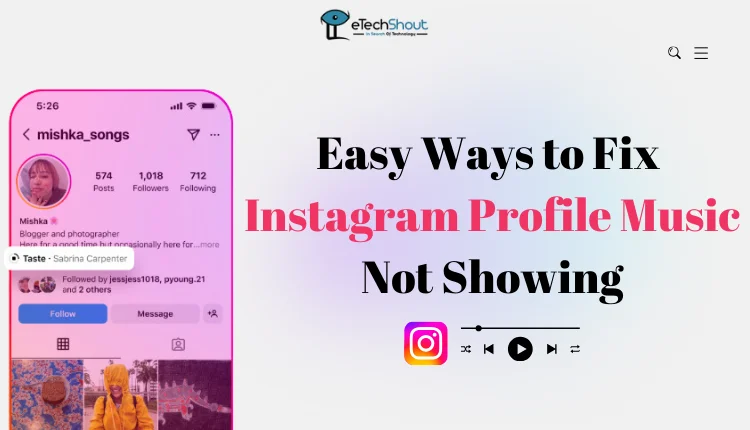
Why is Music Not Showing on Instagram Profile
There are a few reasons why your Instagram profile music might not be showing. One possibility is that the feature only works on public profiles, so if your account is set to private, the song might not appear. Another reason could be a glitch with the app itself, where it doesn’t sync properly or load the music. If you’ve been logged in for a while, this could also cause issues, making Instagram music on your profile not show up.
How to Fix Instagram Profile Music Not Showing
Wait for the Song to Sync and Update
Sometimes, the song might take a while to save and update on your profile. If it starts showing up after some time, it could be a delay or a bug that Instagram has since fixed. The app may have synced correctly on its own, so waiting a little could solve the issue.
Switch Your Account from Private to Public
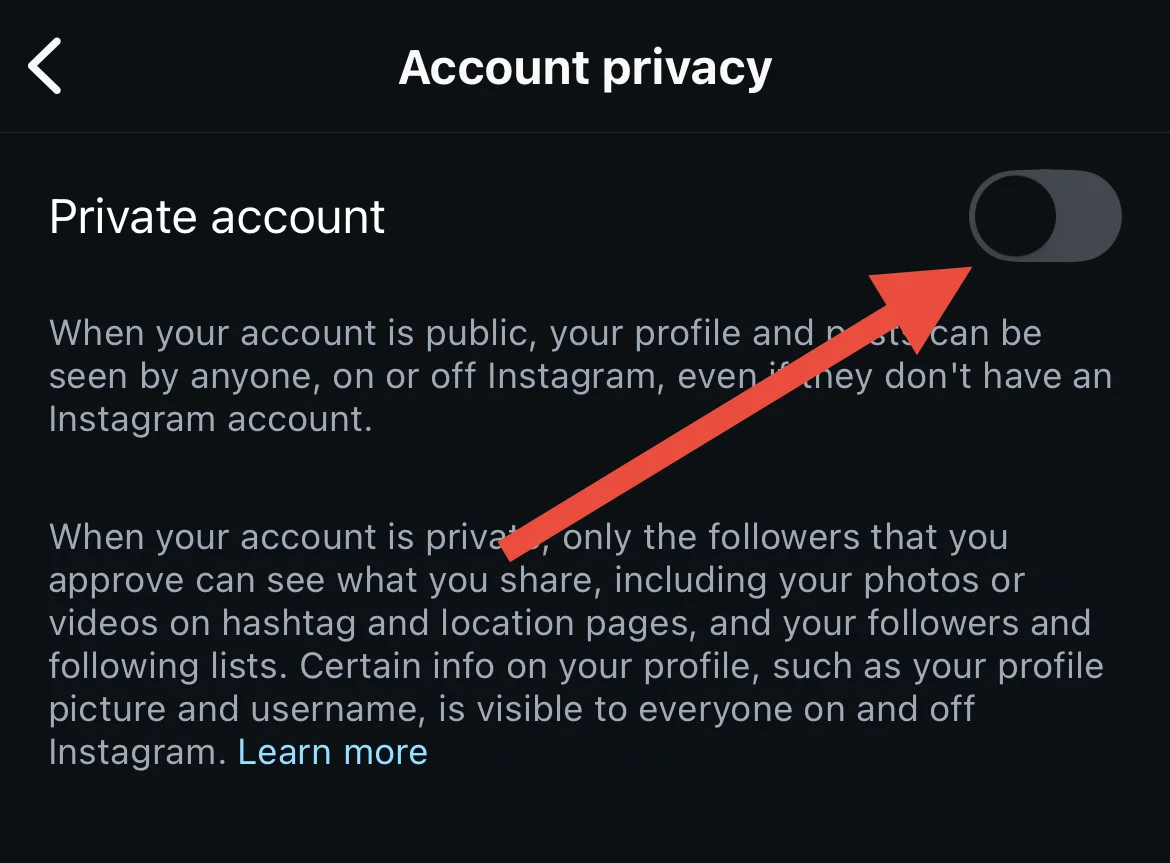
If your Instagram profile music isn’t showing, try changing your account from private to public. Some users have found that the music feature only works on public profiles, so switching to public might make the song appear on your profile. While it might seem inconvenient, it appears this change is necessary for the music to appear.
- On the mobile app, tap the hamburger menu from your profile, then select “Account Privacy.” From there, uncheck the “Private Account” box to switch your profile to public.

- To make your Instagram profile public on the website, go to your profile and click the More button icon. Then, select “Account Privacy” and uncheck the “Private Account“.
Uninstall and Reinstall the App
If the Instagram music isn’t showing on your profile, try uninstalling and reinstalling the Instagram app. This can help fix any glitches or syncing issues, and many users have found that doing this made the profile music finally appear.
Log Off and Log Back In
Logging off and then logging back into your Instagram account, is another simple step that can help the profile music feature appear correctly. Many users have found this to be an easy and effective fix.
To log out of the Instagram app, go to your profile, tap the three dots menu icon, select “Settings,” and scroll down to log out.

Update the App
Sometimes, the issue could be due to a version of the app you are using. Make sure you’ve got the latest version of Instagram installed. The latest version of the Instagram app might just be what you need to get the profile music feature working again.
Since Instagram profile music in the bio is not available on the desktop version, these are the only ways to fix the issue of music not showing on your profile. These methods have helped many users get the music feature working again. If you know any other solutions that have worked for you, feel free to let us know!