Instagram has become one of the most popular social media platforms, with millions of users sharing photos and videos daily. Among its features, Instagram Reels has gained massive popularity, keeping users engaged with short, entertaining, and creative videos. The addictive nature of scrolling through Reels has made it an essential tool for content creators, marketers, and influencers to grab attention and grow their audience.
Each Instagram Reel comes with a thumbnail or cover image, which acts as a visual preview of the video. A well-designed thumbnail plays a crucial role in attracting viewers, increasing engagement, and maintaining a consistent aesthetic on an Instagram profile. But sometimes, users may want to download these Reel thumbnails for various reasons—such as analyzing trending content, repurposing ideas, or creating reference material for future designs.
Since Instagram doesn’t offer a built-in option to download Reel thumbnails, several third-party tools have been developed to make the process easy and efficient. This article will highlight the top 5 Instagram Reels thumbnail downloader tools that allow you to save high-quality cover images in just a few clicks.
5 Top Instagram Reels Thumbnail Download Tools
Snaplytics
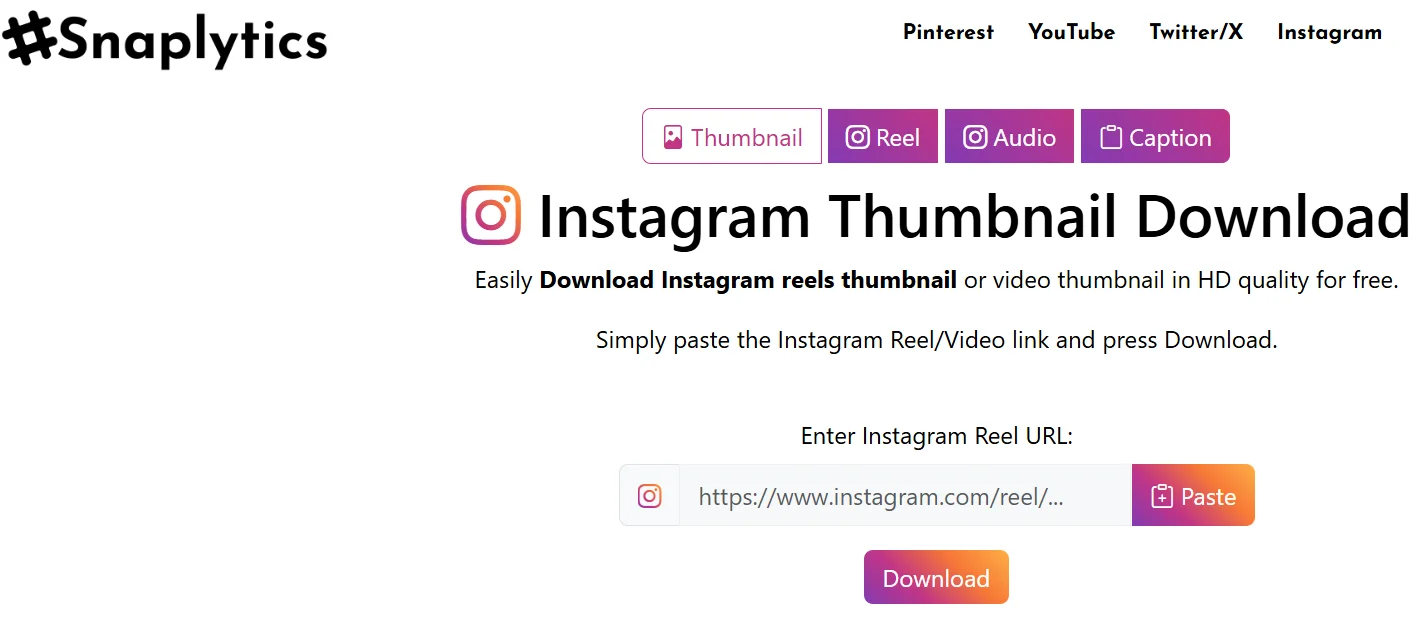
Snaplytics is another excellent tool for downloading Instagram thumbnails, Reels, videos, photos, stories, IGTV, and more. If you ever need to save these thumbnails for reference or inspiration, Snaplytics makes it easy.
You just need to copy the link of the Instagram Reel and then paste it into the Snaplytics box and hit the download button. There’s no need to sign in or connect your Instagram account, providing a safe and secure user experience.
Once the download is complete, the image or video is automatically saved to your device’s download folder which you can easily access and view whenever you like. It’s a reliable tool for anyone who wants to quickly save high-quality Instagram thumbnail or other content.
ToolZin
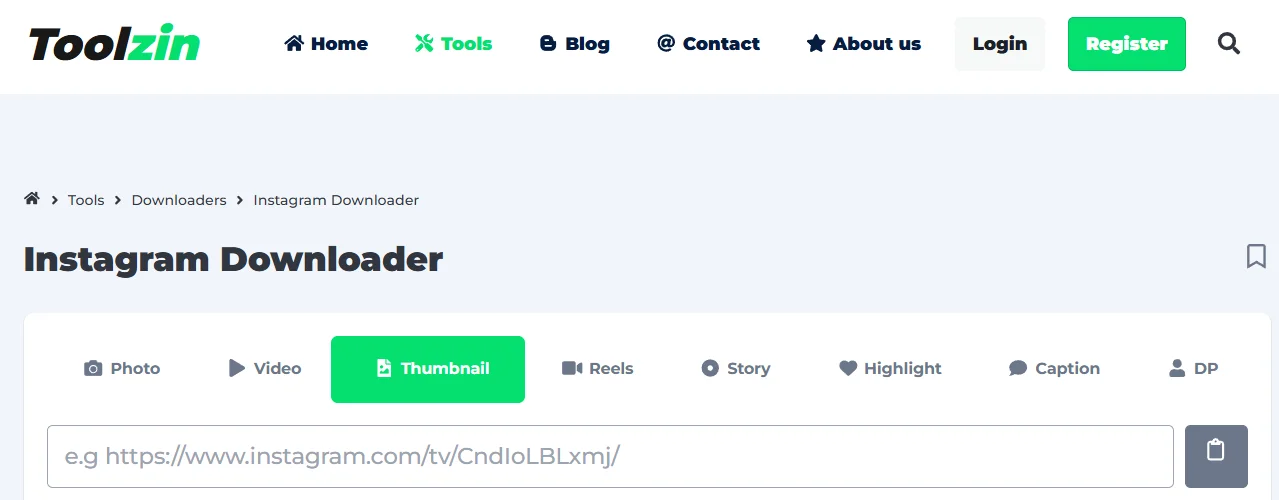
ToolZin is one of the best websites to download Instagram thumbnails, reels, videos, photos, stories, IGTV, and more in just a few clicks. Instagram users often choose custom cover images for their Reels, making them more attractive. Sometimes, you may want to save these thumbnails for reference or inspiration, and ToolZin makes it easy.
You just need to copy the Instagram link, paste it into ToolZin, and download the thumbnail instantly. Once you open the ToolZin website, make sure to select the “Thumbnail” option before pasting the link if you want to download thumbnails only. The tool also works for Reels, videos, profile pictures, and other Instagram content.
It is surely a handy tool for a content creator, marketer, or someone who just wants to save Instagram images, this tool helps you do it effortlessly.
SnapDownloader
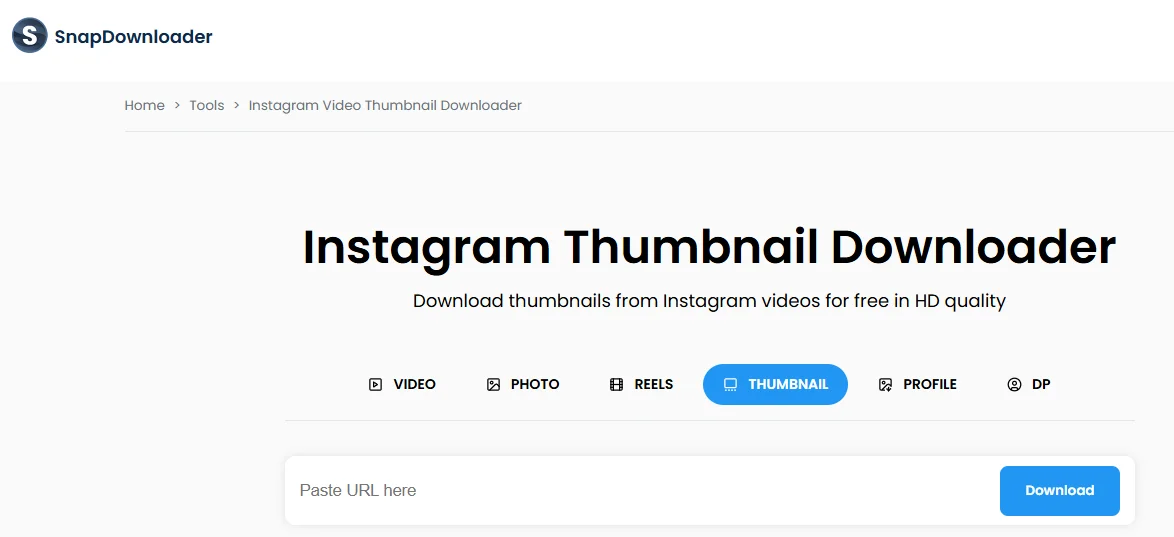
SnapDownloader is a great tool to download Instagram video thumbnails in high resolution. Instagram thumbnails often pass by too quickly to capture, and even when you manage to pause the video at the right time, the screenshot usually turns out blurry and low quality. With SnapDownloader, however, you can easily grab the perfect thumbnail with just a few clicks, ensuring you get a clear, crisp image every time.
One of the standout features of SnapDownloader is there were no interruptions or annoying ads along the way. This made it a great experience, especially when I needed to grab several thumbnails quickly.
The quality of the thumbnails is also impressive since there was no pixelation or watermarks, just the original high-resolution image. What I like most about SnapDownloader is that it works seamlessly across different devices, so whether you’re on your phone, tablet, or computer, you can easily access and download thumbnails anytime, without needing to install anything.
Insload
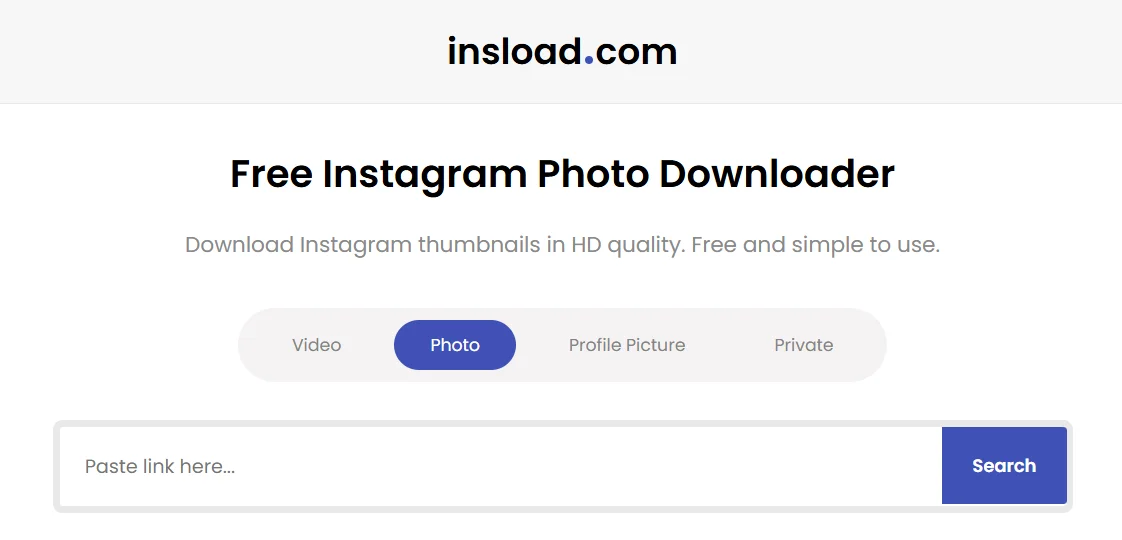
Insload is another tool that allows users to download an Instagram Reels thumbnail in high definition effortlessly. To use it, simply copy the URL of the photo you wish to download, paste it into Insload’s search box, and within seconds, a download link is generated, allowing you to save the photo directly to your device.
You just need to copy the Instagram post link and paste it into Insload’s website, and within moments, a download link will appear, ready for you to save the image with minimal steps.
What makes Insload truly stand out is that it’s an entirely free tool that doesn’t require you to create an account or log in via Instagram. You can use it safely without having to provide any personal information.
Reelsaver
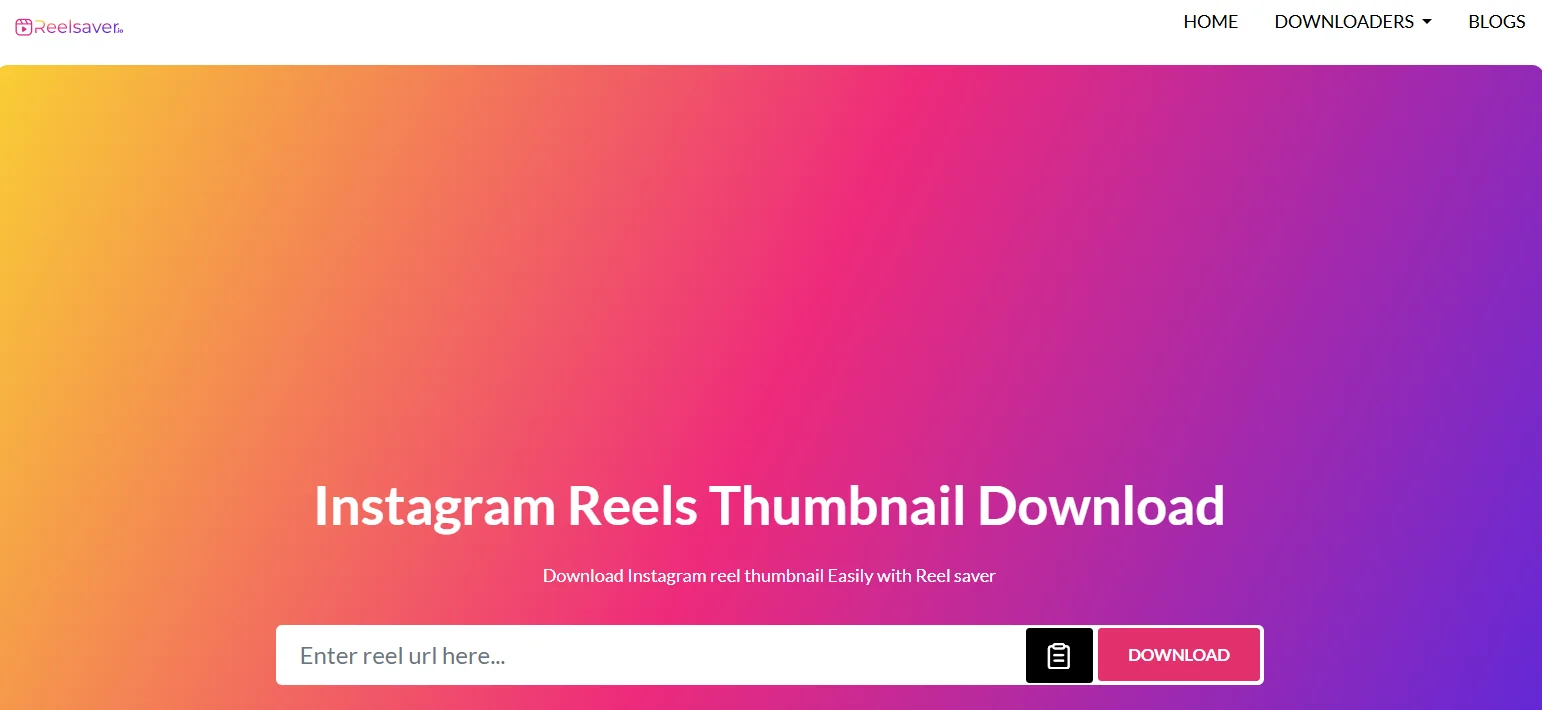
Another tool we recently tested was Reelsaver and found it to be definitely worth trying to download Instagram thumbnails in high quality.
We were able to download Instagram video thumbnails in the same high quality as shown on the Instagram app, which is a big plus. Whether we were downloading using a link or directly from the app, Reelsaver worked perfectly without any problems. Plus, it’s free to use and doesn’t have any download limits, which was a great bonus.
We simply copied the Instagram video link, pasted it into Reelsaver, and clicked the download button. The thumbnail was instantly downloaded in full HD, and we could easily access it from our device’s folder. If you’re looking for a reliable and fast Instagram thumbnail downloader, Reelsaver is definitely worth trying.
- RELATED: – Best Instagram Spy Apps
Since we couldn’t find any apps specifically for downloading Instagram Reels thumbnails, we’ve compiled a list of the best websites we’ve tested and found really helpful. If you know of any other sites or apps, feel free to share them in the comments!