Threads is a popular Twitter rival that lets people share quick thoughts, and updates, and join in conversations. It’s similar to Twitter but built to work smoothly with Instagram. While Threads has gained a lot of attention, it’s not perfect for everyone. Some users find it interesting, while others have concerns about the type of content shared there.
For those who don’t like the strong political discussions happening in Threads, the app can feel overwhelming. Many have chosen to leave Threads to avoid these debates, hoping for a quieter online space. However, the issue doesn’t end there—people are noticing that the political content they wanted to escape is now showing up on Instagram.
Even if you’ve removed Threads from your phone, its content can still appear in your Instagram feed under a ‘Threads For You’ section. Unlike ads, there doesn’t seem to be an easy way to hide these posts. If you’re frustrated by this and want to stop seeing Threads-related content on Instagram, you’re not alone.
In this article, we’ll show you how you can remove Threads For You content appearing on your Instagram feed.
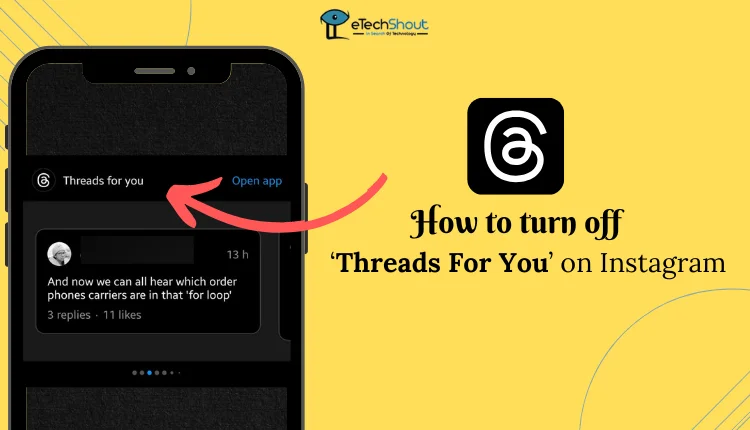
How to Get Rid of Threads For You on Instagram
Deactivate Threads Account
If you’re seeing the “Threads for You” content on Instagram and want to remove it, there’s an easy fix. The issue arises because of the connection between Instagram and the Threads app, where Threads content sometimes appears in your Instagram feed. Fortunately, you can deactivate your Threads account to stop this from happening.
- Open the Threads app and log in to your account.
- Tap on your profile icon, then click the menu to open settings.

- In the settings, go to Account.

- Select Deactivate or delete profile.

- Choose Deactivate profile and confirm your decision.

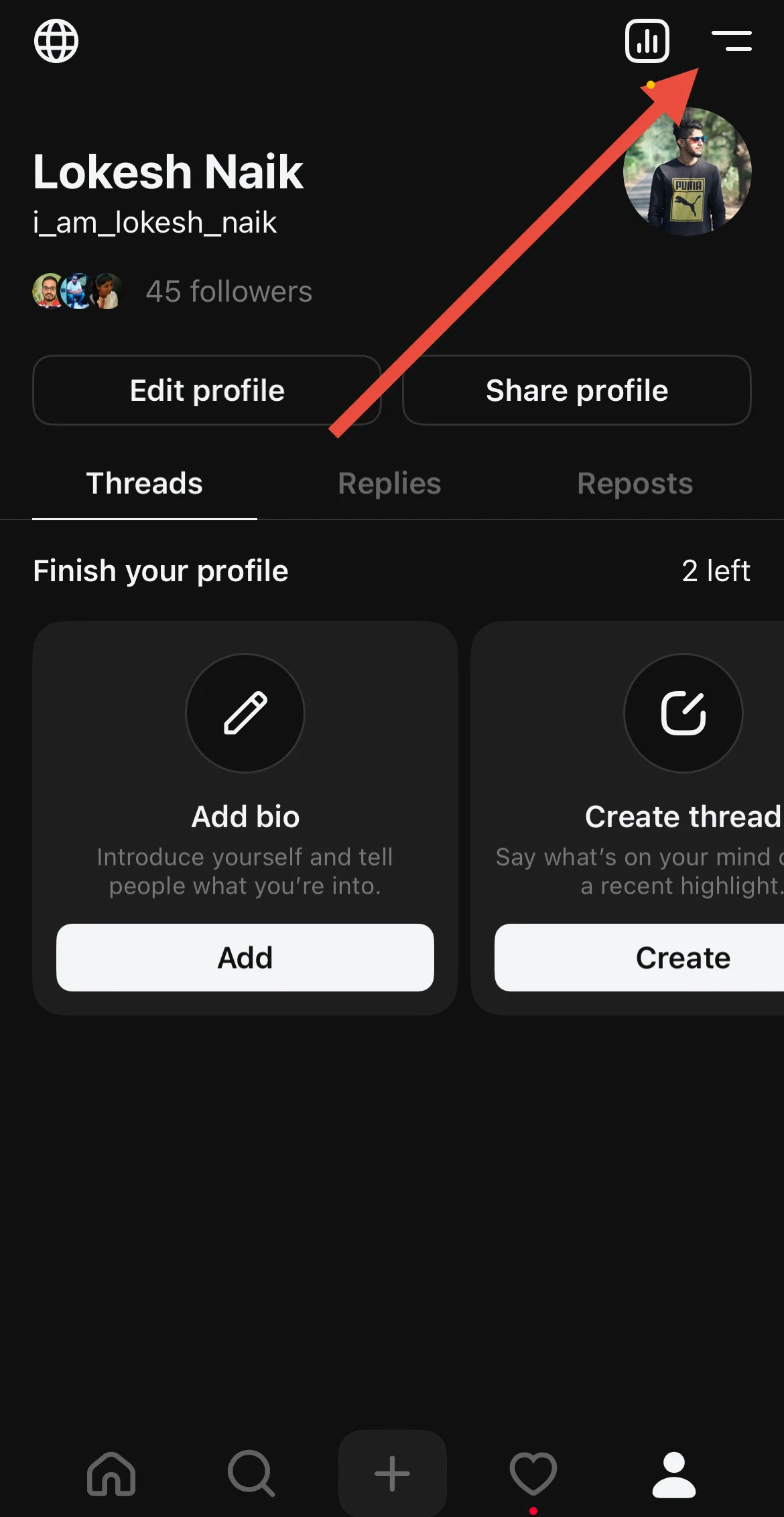
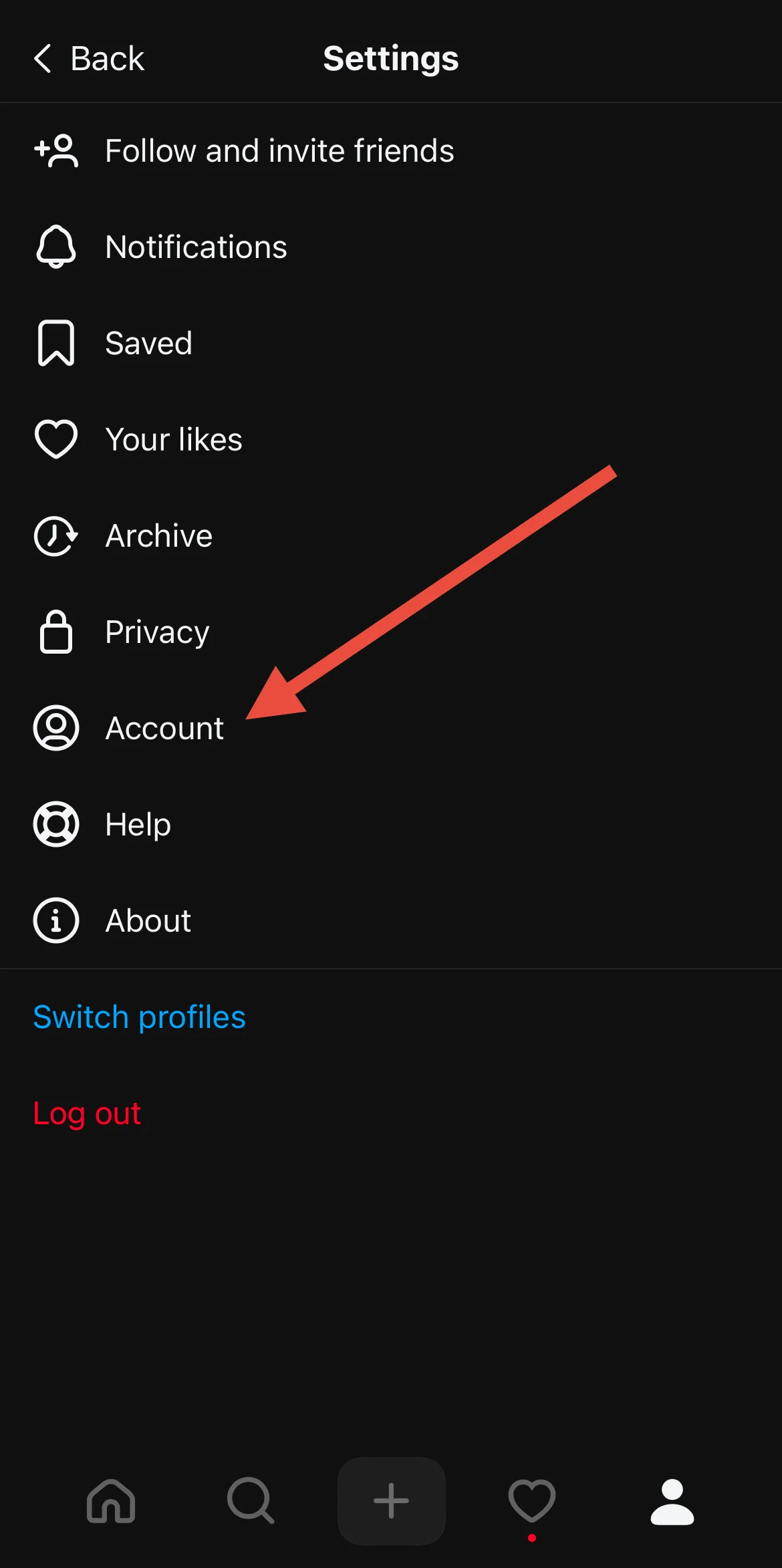
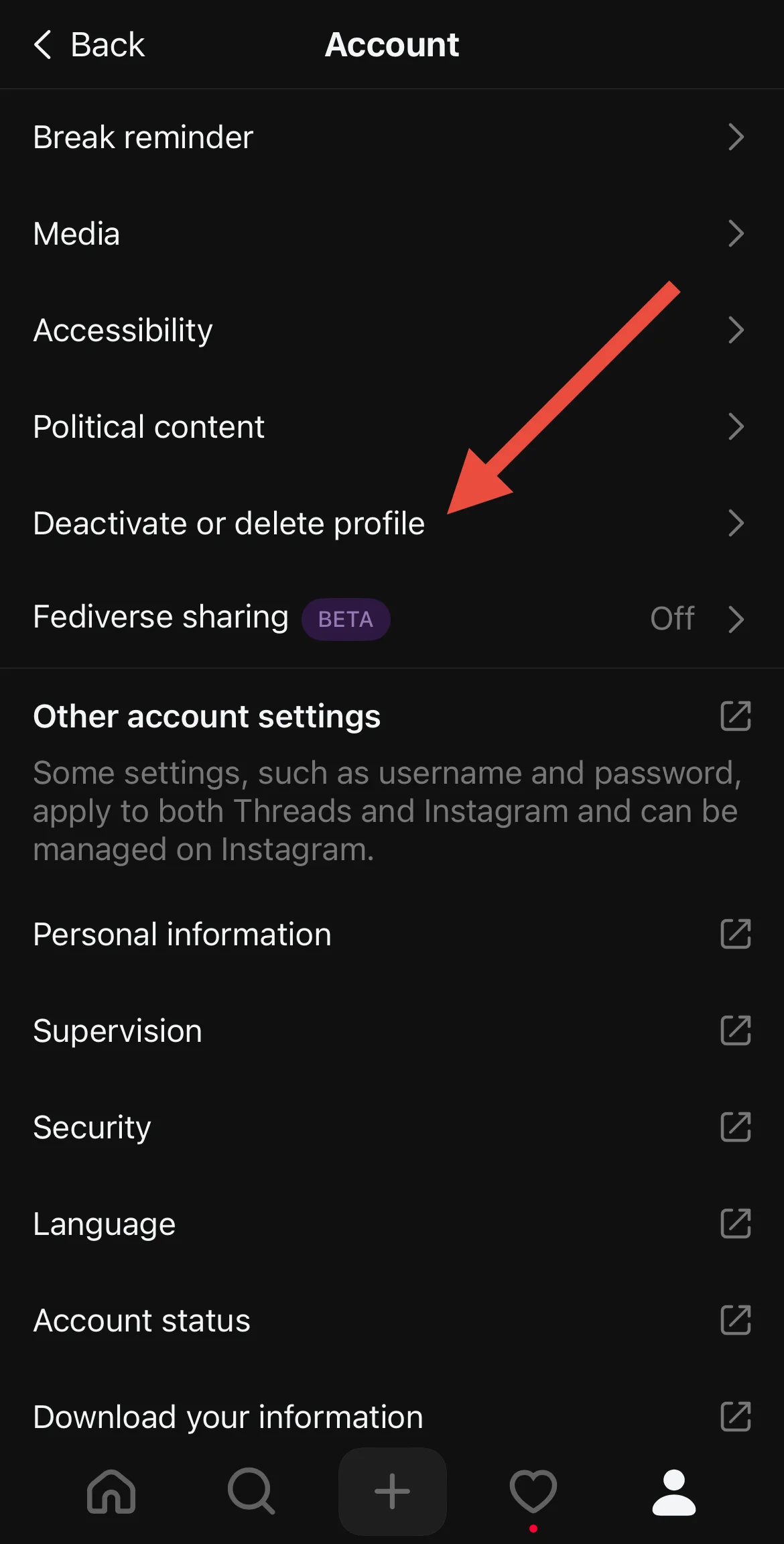
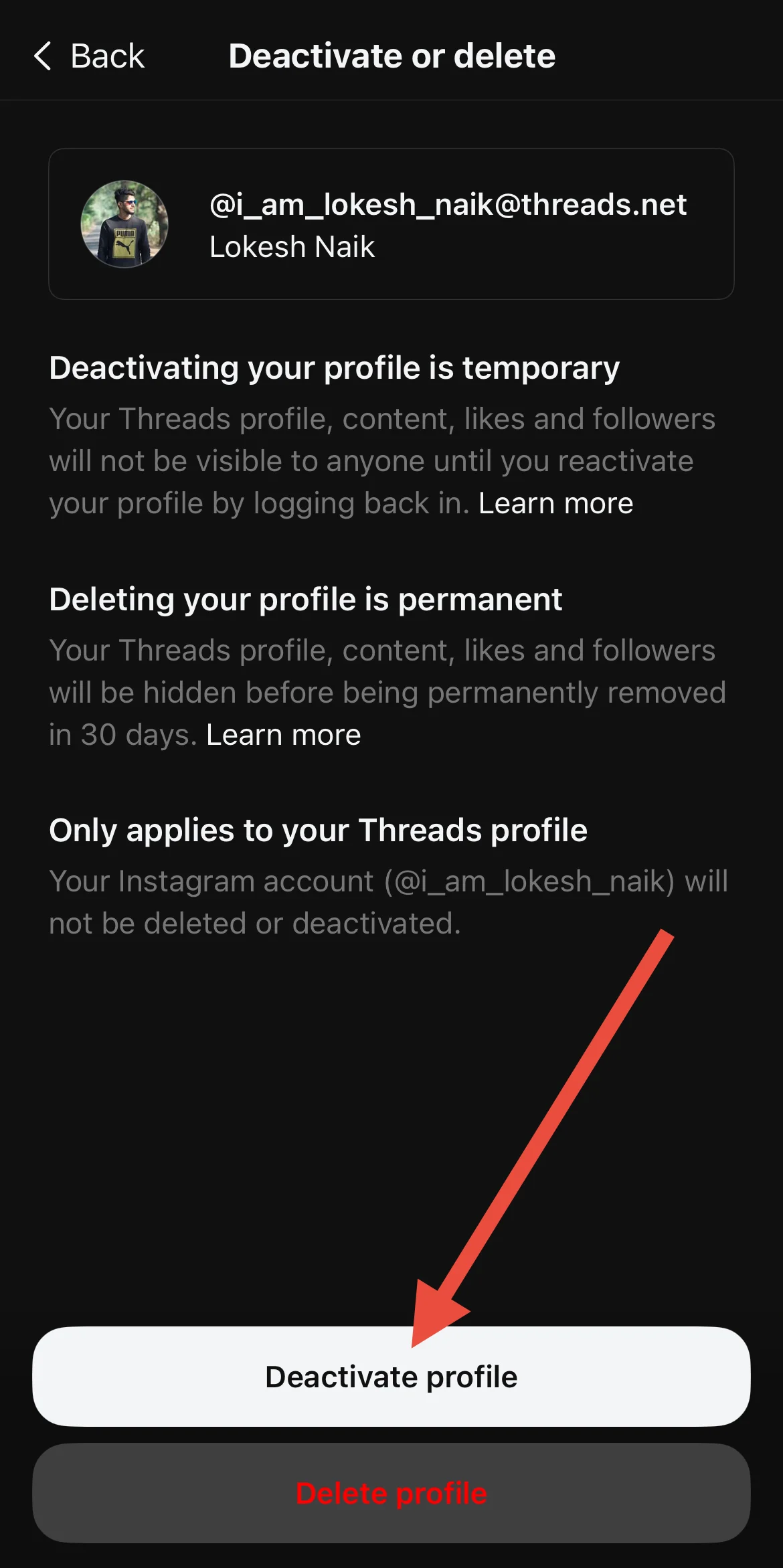
This will deactivate your Threads account and remove the “Threads for You” section from your Instagram feed. After deactivating, make sure to refresh or close and reopen Instagram for the changes to take effect.
You can also deactivate directly from a browser by logging into Threads, going into the settings, and deactivating your account.
Hide Threads Content from Your Feed
If you’re frustrated by the constant appearance of Threads content on your feed and the lack of a direct option to hide it, a recent feature has been introduced to help reduce its presence. Though it doesn’t immediately remove all Threads content, you can now select the option that says “You will see fewer posts from Threads.”
Once you see the “Threads” or “Threads for You” section on your feed click the three dots behind the Threads content. Select the Hide or similar option.
While this doesn’t instantly hide everything, over time, it will help reduce the amount of Threads-related content you see on Instagram.
Report the Issue to Instagram
If you’re still seeing Threads content and want to remove it from your Instagram feed, you can report the issue directly to Instagram.
- Open the Instagram app.
- Shake your phone while the app is open.
- A pop-up screen will appear asking if something went wrong.
- Tap Report a Problem and follow the on-screen instructions.
In the report, explain that you don’t want Threads content to appear on your Instagram feed and that you dislike this feature. Instagram may assist you in resolving the issue.
That’s all, folks! These are a few ways to remove the “Threads for You” section on Instagram. If you know of any other methods to turn off Threads on the Instagram app, feel free to share them with us!