According to Instagram, more than 1.41 billion people use this social media platform owned by Facebook, each person with a different username. You know that feeling when you try to create a username on Instagram and you get an error message saying “sorry, the username is not available”? Because there are so many Instagram accounts out there, it is not uncommon to encounter an Instagram username not available error when creating an account.
What if a tool can help you check if Instagram username is taken? Amazing isn’t it? Well. Today, in this article, we are going to introduce some best Instagram username checker tools to let you know whether your desired username is available to register on Instagram or not.
Imagine that you have a great name for your company or website, and for branding purposes, you need to have the same username on social media accounts including Instagram. Unfortunately, the username you are looking for is already in use on Instagram. In such scenarios, it is possible to use underscores and special characters. However, the effect may not be significant for branding.
Instagram has been around for nearly a decade and has become an extremely popular social network. Hence, it can be assumed that most of the short usernames have already been taken. There is only one solution that is to buy the username. But they are quite expensive.
Best Instagram Username Availability Checker Tools in 2022
Instant Instagram Username Checker (Super Fast)
- The username you want to use should be entered into the input field.
- The username must have between 1 and 30 characters. Unfortunately, most of the shortest usernames are taken.
- If you like, it is okay to use alphanumerical characters, periods and underscores in your username. [ Letters (a-z), numbers (0-9), underscore (_) and period (.) ]
- Your user name cannot start with a period, however.
- Click on the “Check Availability” option to check if Instagram username is taken or available to register.
Update: – Unfortunately, our above tool is not working right now. We are trying our best to fix it. In the meantime, you can make use of the below working Instagram account name checker to find out its availability to signup.
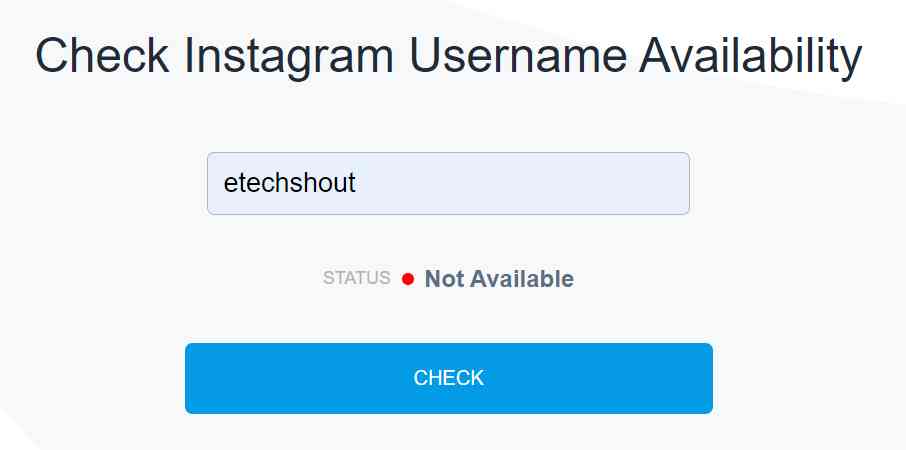
Check Instagram Username Availability Easily
- Open Check Instagram Username Availability tool
- Type the username in the given text box field
- After typing it, tap the Check option
- Now, this tool will check the username availability to give you details
- In the Status field, it will display username available or not available.

Instagram Account Name Checker
It is essential to have a unique Instagram name for your business or personal profile. Furthermore, it allows people to discover you and your content. There is no doubt that you must have a username that can differentiate you from other users or businesses.
If you are thinking about applying for a brand, make sure that the username you want is available on Instagram. Your name will be checked right away to see if it has already been taken. Due to the popularity of Instagram, your first choice of the desired username is not likely to be available.
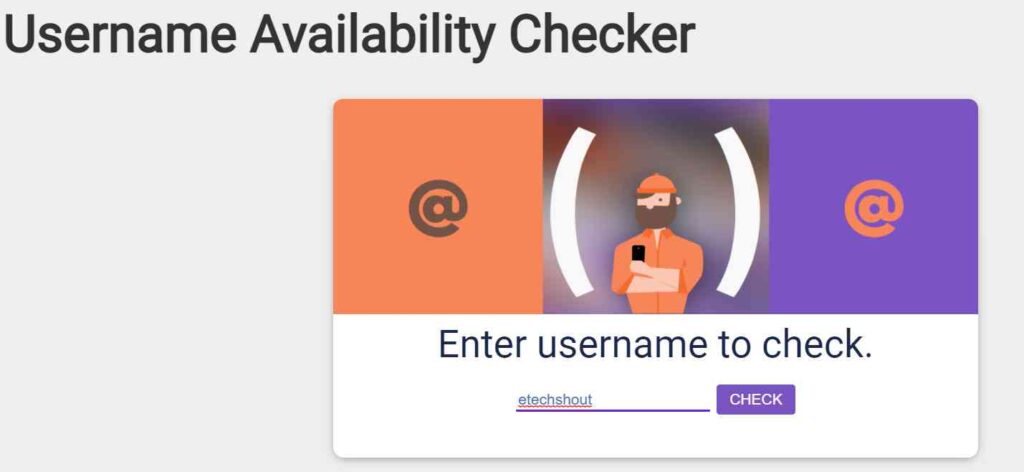
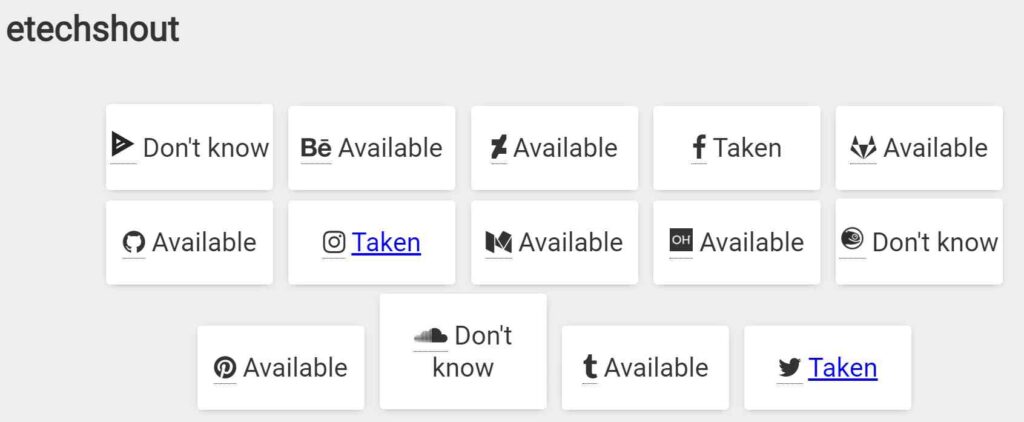
By using Username Availability Checker, you can experiment with variations on your handle until you find a combination that both of you like and isn’t already in use for most of the popular sites including Instagram, Facebook, GitHub, Twitter, Tumblr, Medium, Soundcloud, Behance, and Openhub.
- Visit Username Availability Checker Website from here
- Now, type the desired username you have on your mind.
- Hit the Check button

- Within a few seconds, this site will show whether that username is available to use or not for Instagram alongside other sites.
- If it is showing Taken then you can’t use that particular username on Instagram. If it shows Available then you can use it as your username.
- For a few sites, this tool is showing Don’t Know. If it is showing like that then use other Instagram username checker tools.

Check Instagram User Availability Using Checkmarks
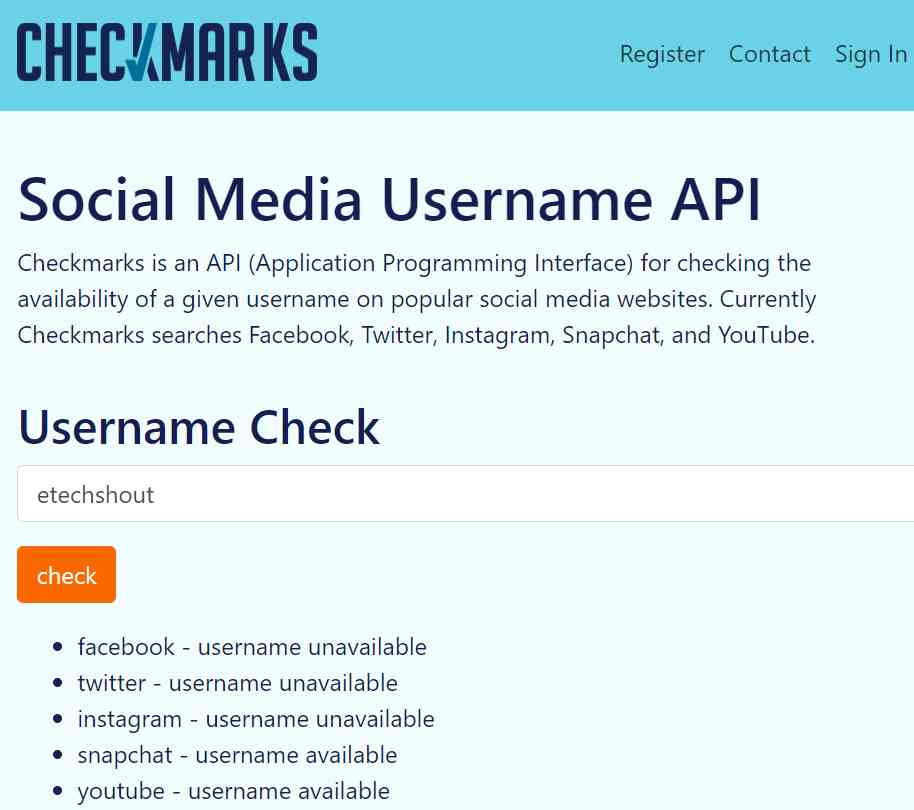
Using Checkmarks, a user can find out if a social media username is available on popular social media websites. You can currently search usernames for Facebook, Instagram, Twitter, Snapchat, and YouTube with Checkmarks.
- Visit Checkmarks Social Media Username Availability Finder
- Enter the username you love to have as your social media handle
- Click the Check button
- This simple tool will display the username that is taken or unclaimed to use.

Instagram Username Checker by Randommer
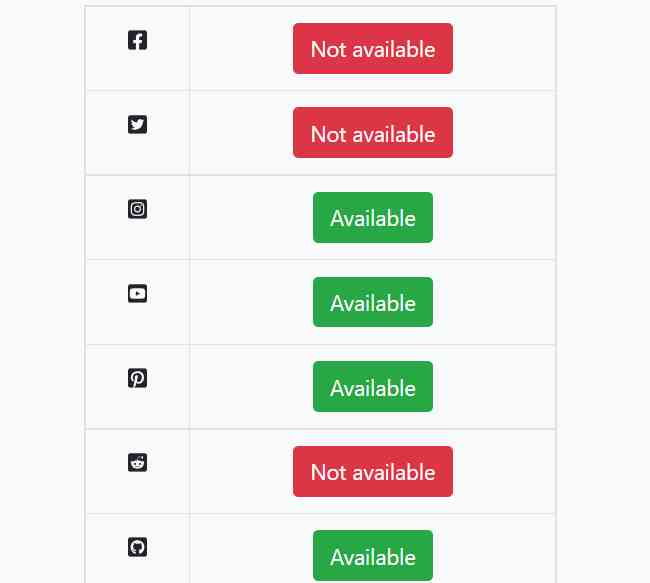
Randommer knows the importance of having your brand name available on major websites. That is why they have designed a simple Instagram name checker website that displays username availability. Alongside Instagram, they check the name on Facebook, YouTube, and WordPress to verify its availability.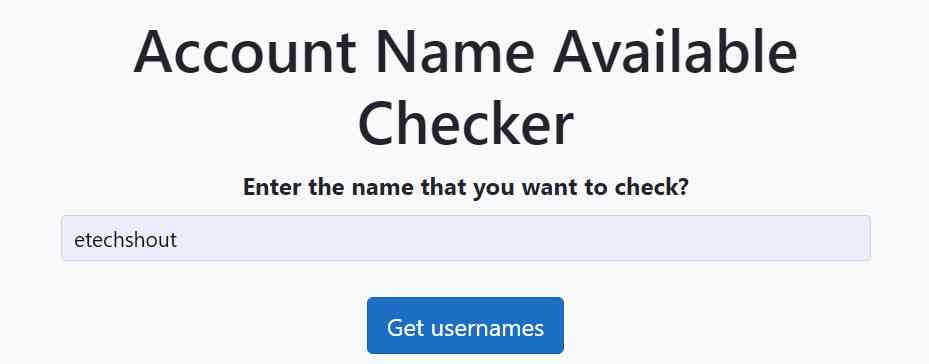
When you want to become a successful influencer, you need to keep your name the same across all social media platforms. The service checks all platforms simultaneously and finds out if the username is available or not.
- Visit Randommer Account Name Available Checker Website from here
- Now, type the username you like to have for your profile or brand in the text field of Enter the name that you want to check?
- Now, click the Get usernames button
- This will display whether the name you entered is available or not available to register.

Final Words
I hope you find this article on the best Instagram username checker useful If you know any other Instagram handle checker websites or apps feel free to mention the name in the comments section.
You Might Also Like:
- How to Center Instagram Bio EASILY (3 Quick Working Methods)
- How to Permanently Delete Instagram Account? (2022 Guide)
- How to View Private Instagram Profiles? (4 Ways)